Connect Visma eAccounting to Boost.space Integrator
To connect Visma eAccounting app:

Log in to your Boost.space Integrator account and add a Visma eAccounting module’s create a connection dialog.
Click Add next to the Connection field.
In the Connection name field, enter a name for the connection.
Optional: Click Show Advanced Settings to connect using OAuth client credentials.
To obtain client credentials, you need to have a Visma eAccounting version that supports OAuth. Boost.space Integrator recommends reaching out to your Visma sales representative to confirm your version.
Click Save.
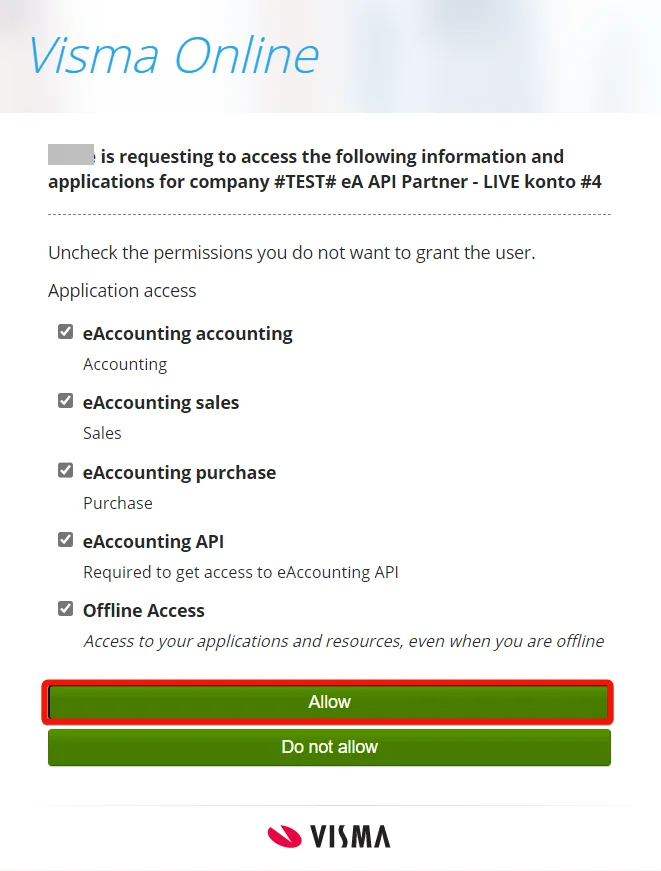
A popup window prompts you to log in to your account and confirm the access by clicking Allow.
You have successfully connected the Visma eAccounting app and can now build scenarios.
Legacy article, imported from the original Boost.space knowledge base (/knowledge-base/applications/commerce/visma-eaccounting/).