ImgBB
Getting Started with ImgBB
Actions
Upload photo
Uploads a photo to the ImgBB, free image hosting and sharing service.
Source file
Select the way how you want to provide a file.
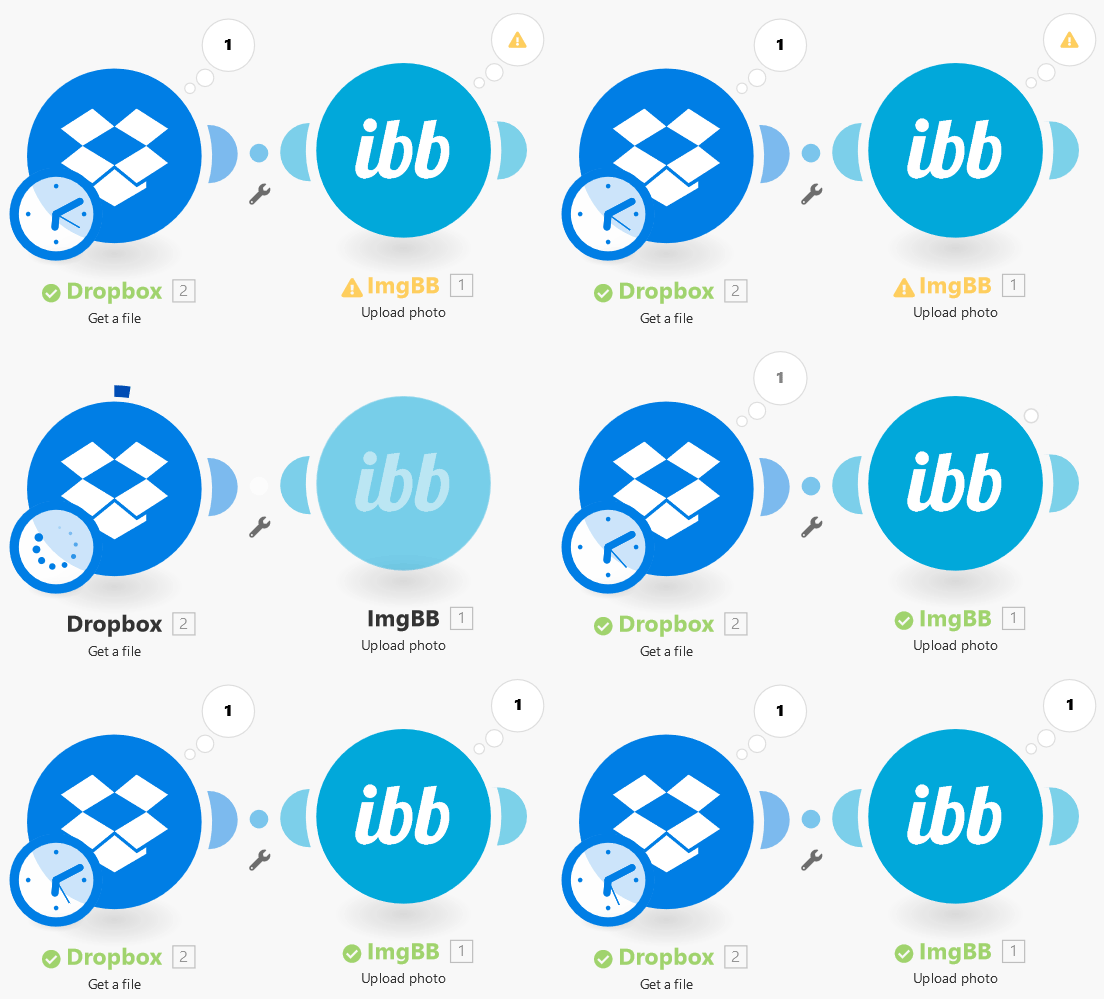
You can map it from a previous module, for example, the Dropbox > Get a file module.
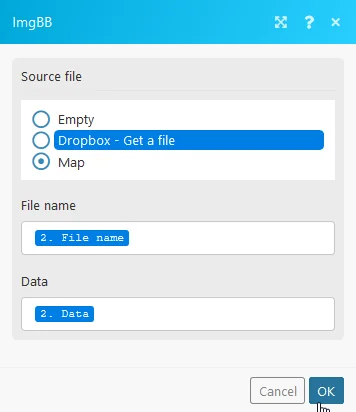
File name
Enter or map the file name.
Data
Map the file data.
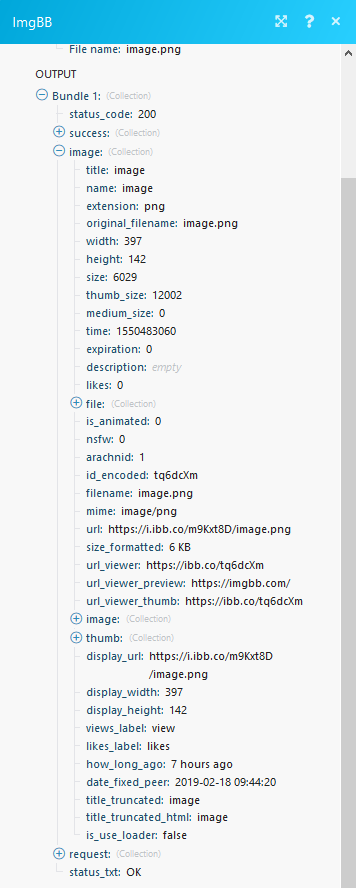
When the file is uploaded, you will receive detailed information about the file as well as the file URL e.g. https://i.ibb.co/m9Kxt8D/image.png
Legacy article, imported from the original Boost.space knowledge base (/knowledge-base/applications/file-and-document-management/imgbb/).

