Using functions
When mapping items, you can use functions to create complex formulas. The functions available in Boost.space Integrator are similar to functions in Excel or those in other programming languages. The functions let you perform various transformations of item values, such as converting a text to uppercase, trimming a text, converting a date into a different format, and many others.
Inserting functions into fields
Functions can be inserted into fields the same way as items. If you click into a field, the mapping panel pops up.
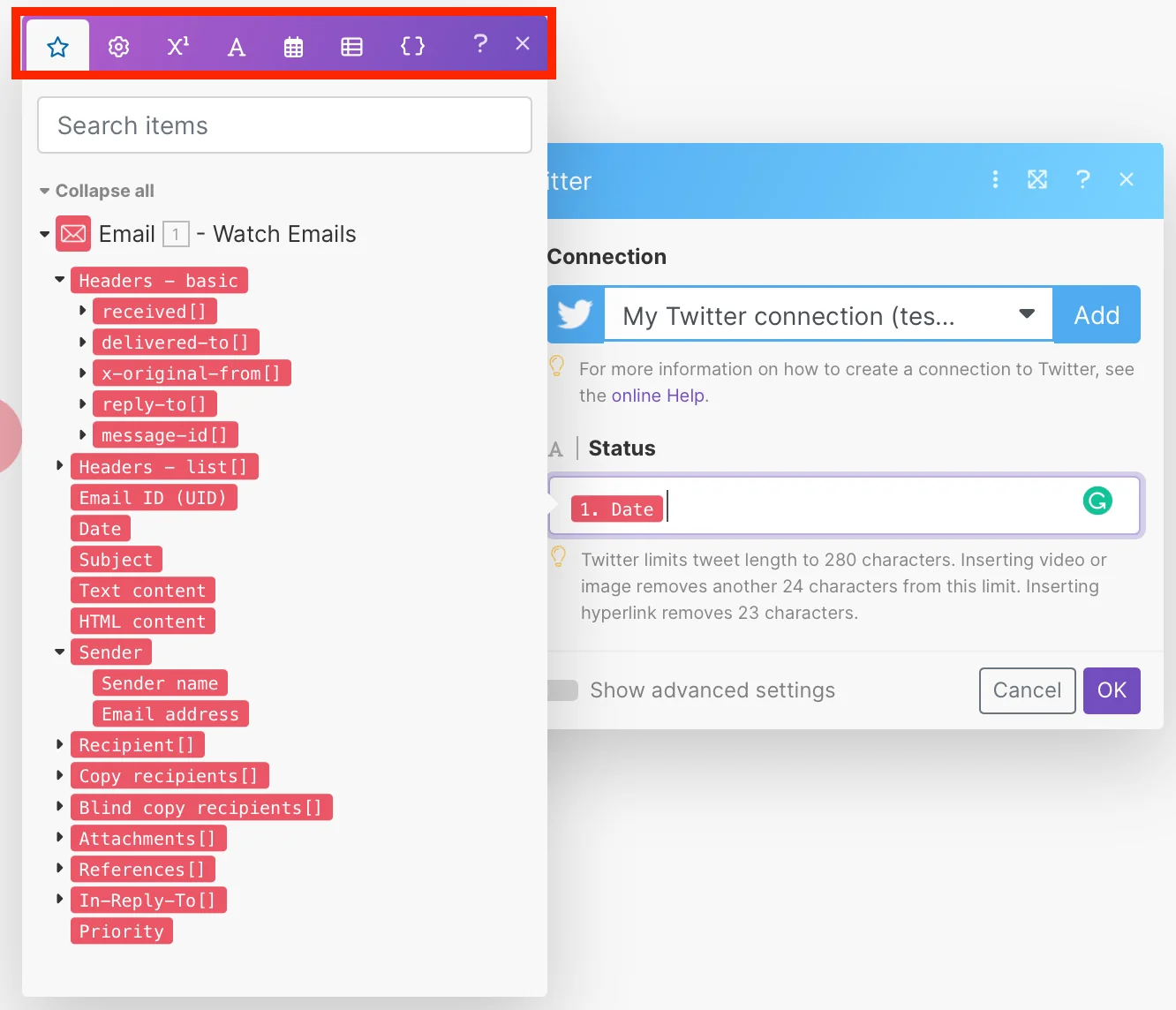
The mapping panel contains several tabs:
-
The first tab (shown upon opening the panel) displays the items that you can map from other modules.
-
The other tabs contain various functions:
-
General functions – see General functions
-
Math functions – see Math functions
-
Text and binary functions – see String functions
-
Date and time – see Date & time functions
-
Functions for working with arrays – see Array functions
-
To insert a function into a field, click the function name or drag it to the field.

