Replacing Legacy Modules with New Modules
A majority of Boost.space Integrator apps rely on external services, particularly on their APIs (Application Programming Interfaces). As the services evolve, so do their APIs. New API versions are being regularly released and legacy versions are getting deprecated and eventually shut down.
We closely follow releases of new API versions and implement new app versions based on the latest APIs.To keep scenarios running even after the shutdown of a legacy API, make sure to replace all the legacy (old) modules with new modules. Here is a step by step guide:
-
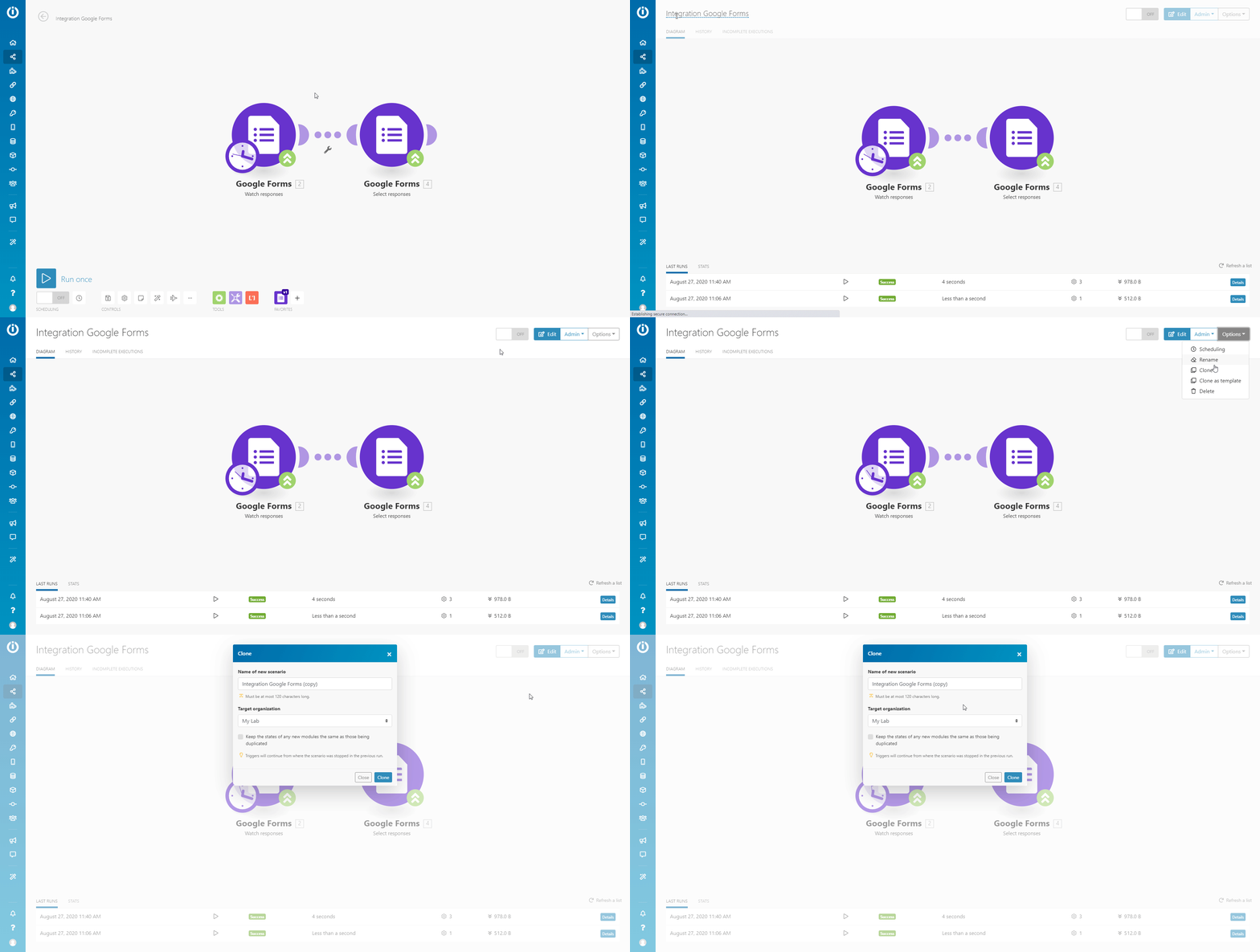
Choose the Scenario that is using legacy modules, and clone it to make a copy – make the new Scenario.
-
Navigate to the Scenario Diagram.
-
Open the Options drop-down menu in the top-right corner and select the Clone option.
-
Change the name to distinguish between the legacy scenario and the new scenario and click the Clone button.
-
The new scenario (still with the legacy modules) is created.
-
-
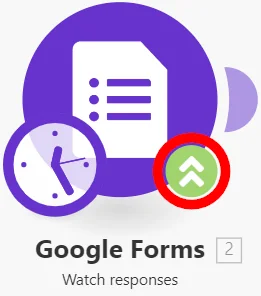
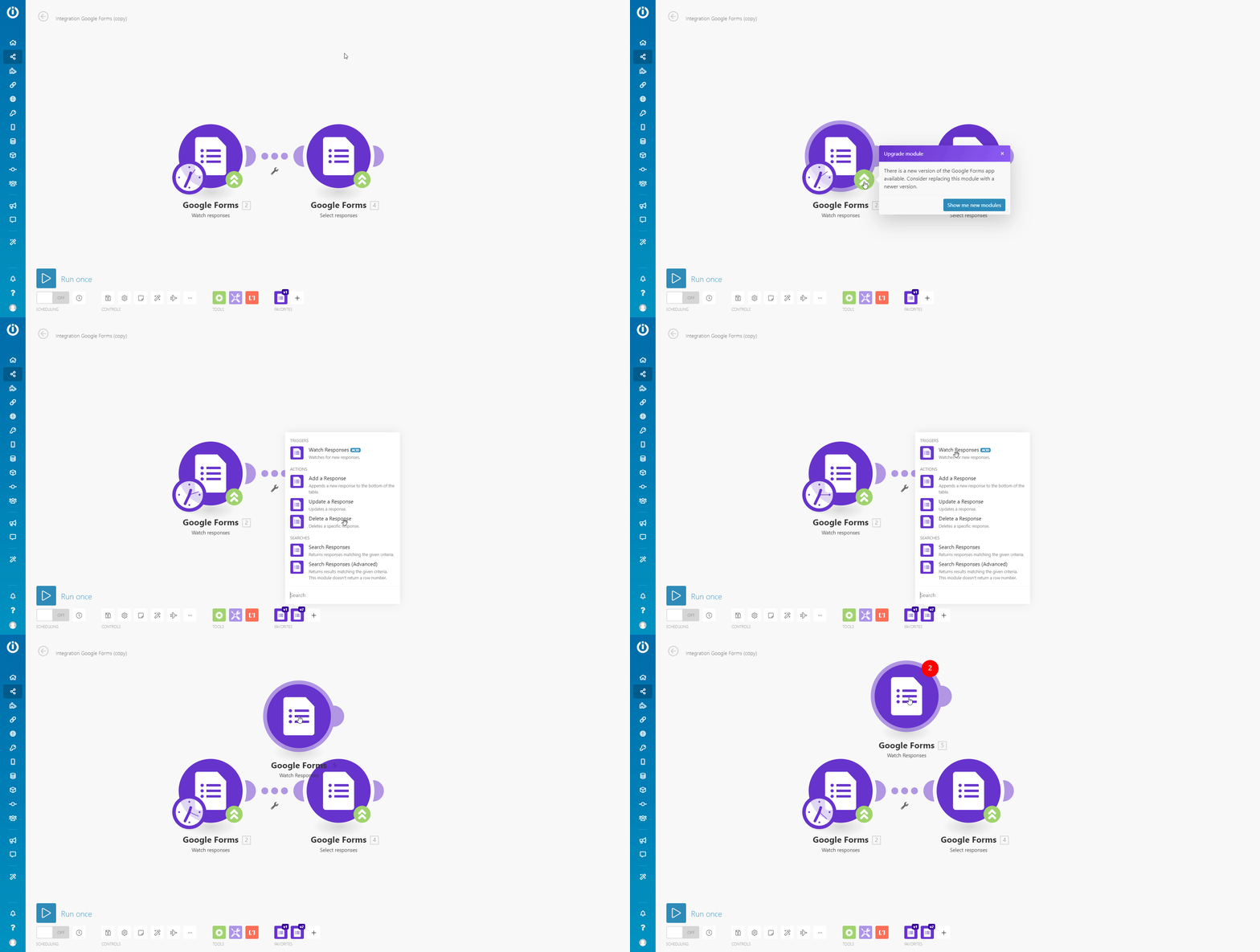
In the new scenario you have created using the Clone function, choose the legacy module you want to upgrade to the new version, and click on the green upgrade arrows (
 ).
).
-
Choose the corresponding new module from the list of modules. The new module is placed in the scenario (not connected).
-
For Google Forms, check this table to find a new counterpart of your legacy module:
Legacy Module
New Module
Watch responses
Watch Responses
Select responses
Search Responses
Add a response
Add a Response
Update a response
Update a Response
Delete a response
Delete a Response
Search Responses (Advanced)
-
-
Replace modules.
-
Triggers:
-
Set the same field values in the new module as field values in the legacy module.
-
Move the clock icon from the legacy module to the new module.
-
Unlink the legacy module and link the new module to the desired module in your scenario.
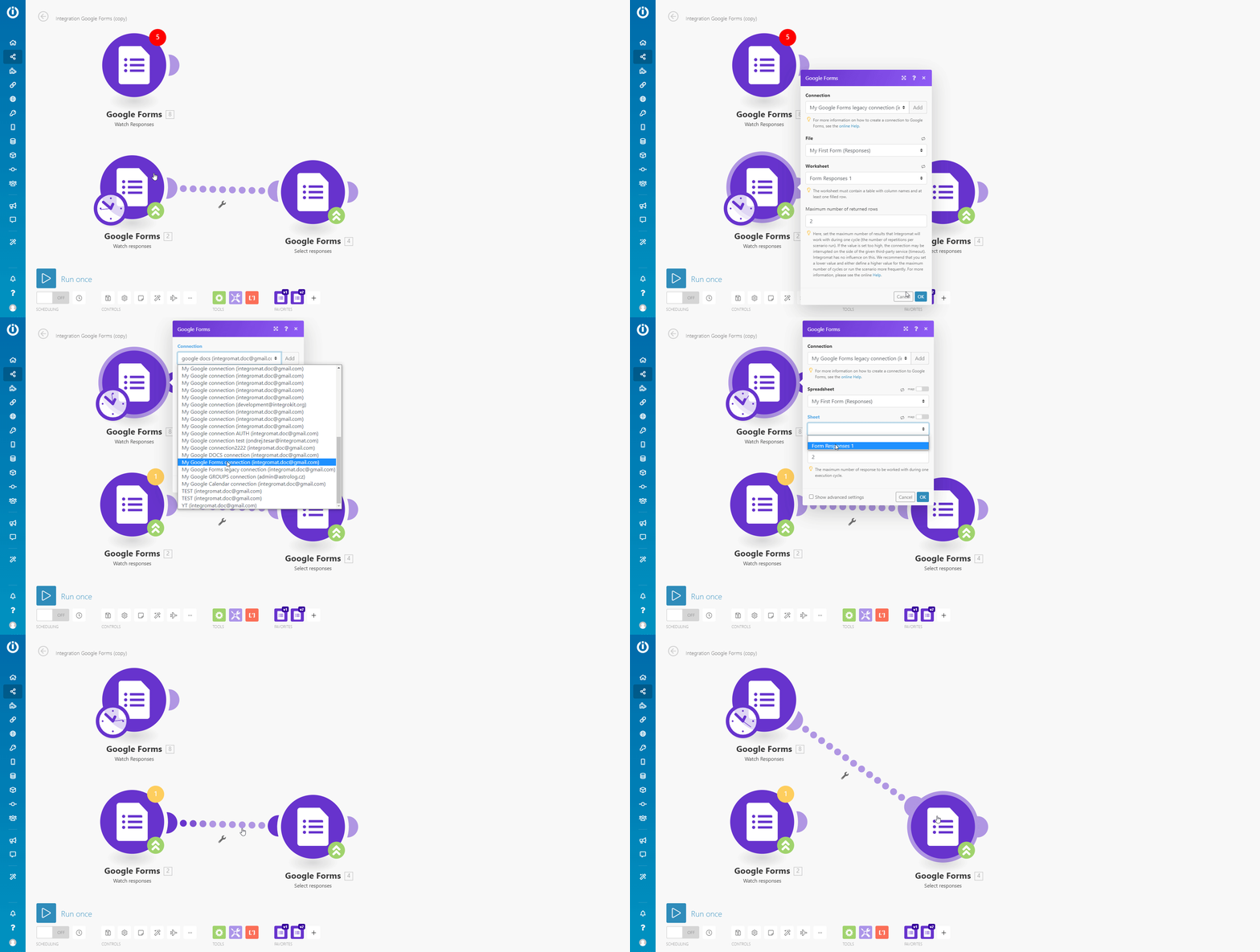
-
-
Other modules:
-
After adding the new module to the scenario (step 3 above), connect it after the legacy module.
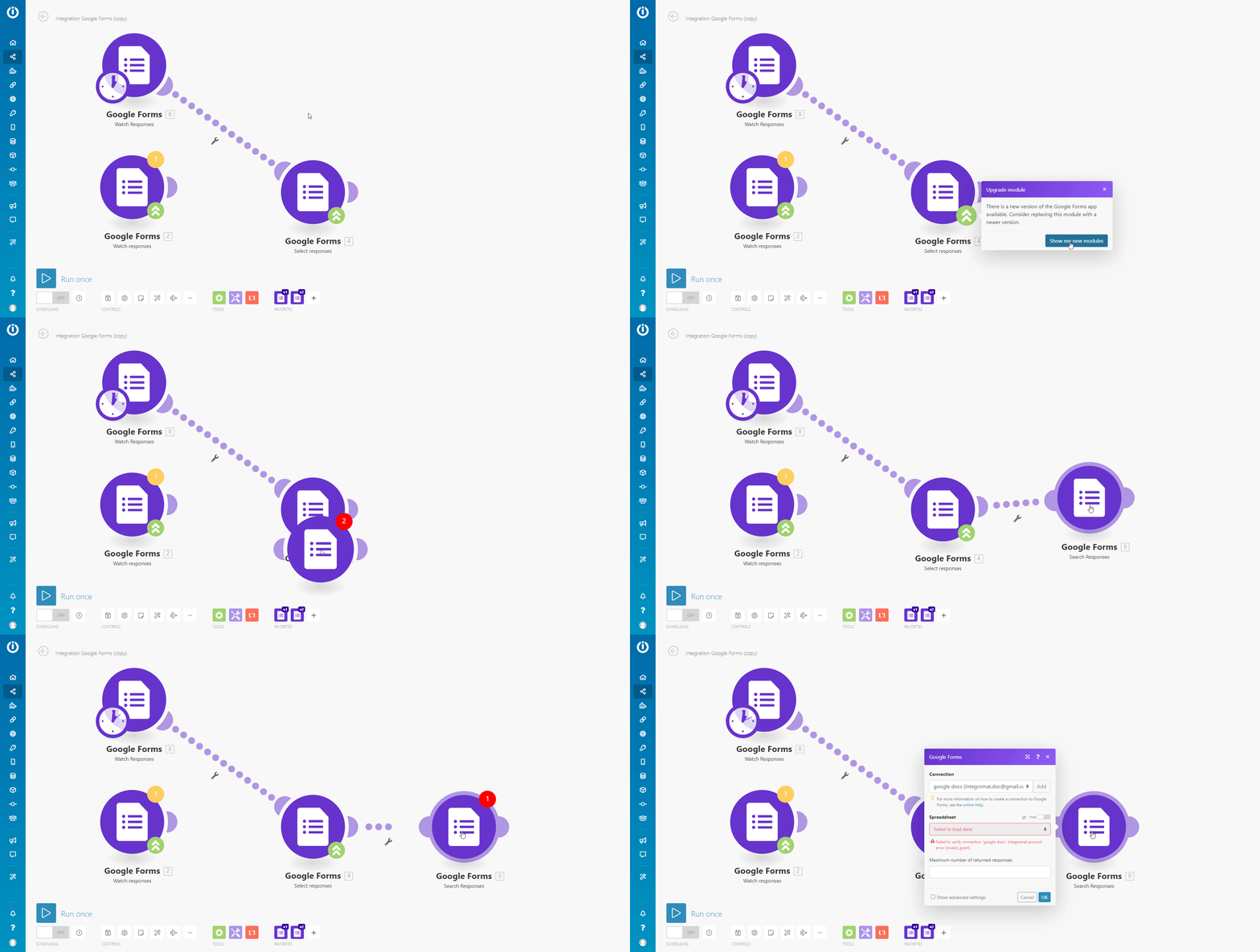
-
-
-
Set values in new modules.
![[Note]](/img/chrome/note.png)
Note
We recommend opening the legacy scenario in a new browser tab to switch between the module’s configuration faster.
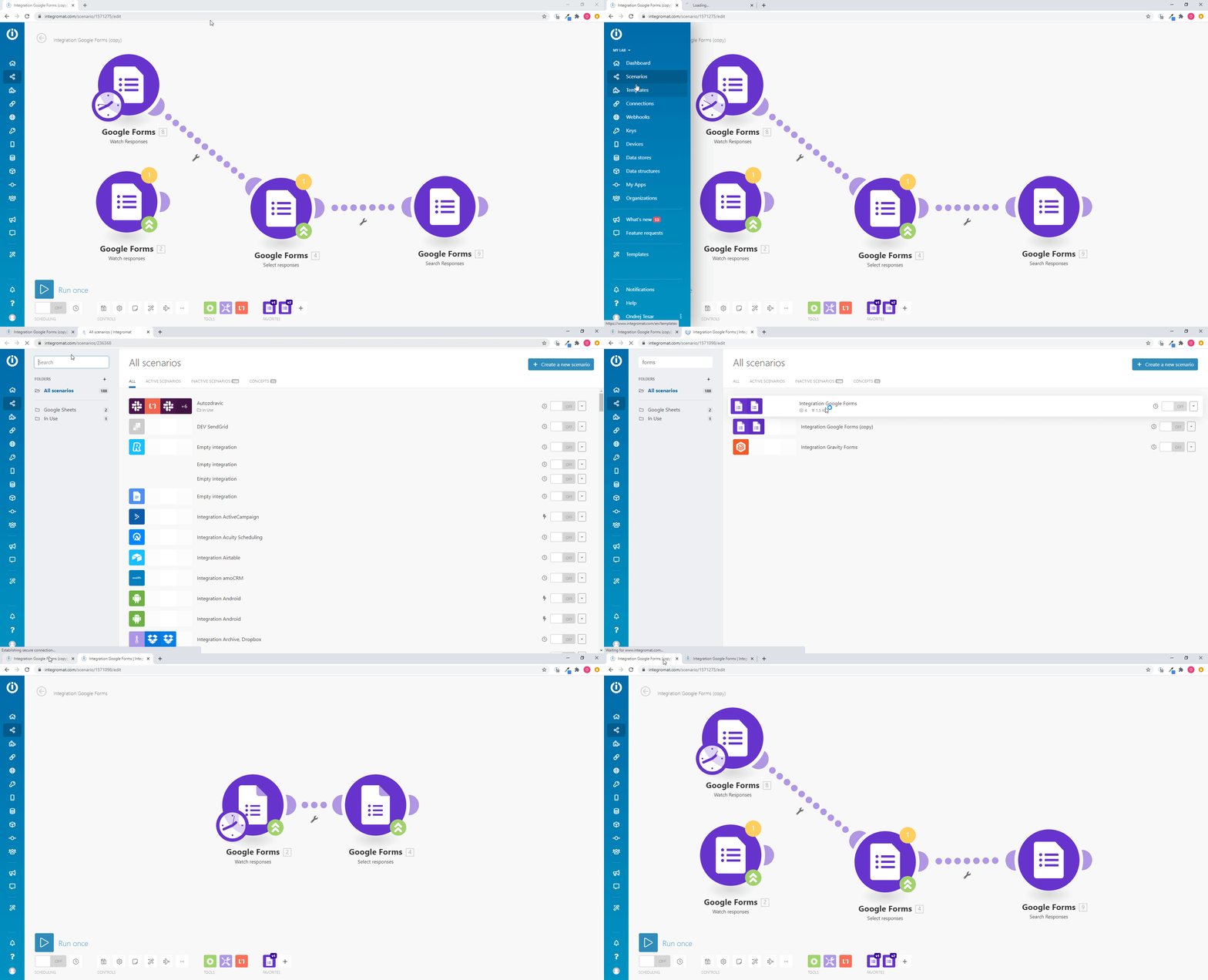
-
Open the configuration of the new module.
-
Switch to the tab with the legacy scenario and open the configuration of the legacy module.
-
Copy and paste the content of each field from the legacy module to the new module (by switching between the legacy scenario and the new scenario tabs).
-
Map needed values and select the options from drop-down menus.
-
Set mapping in filters.
-
If any items are missing in the mapping panel, please see Mapping.
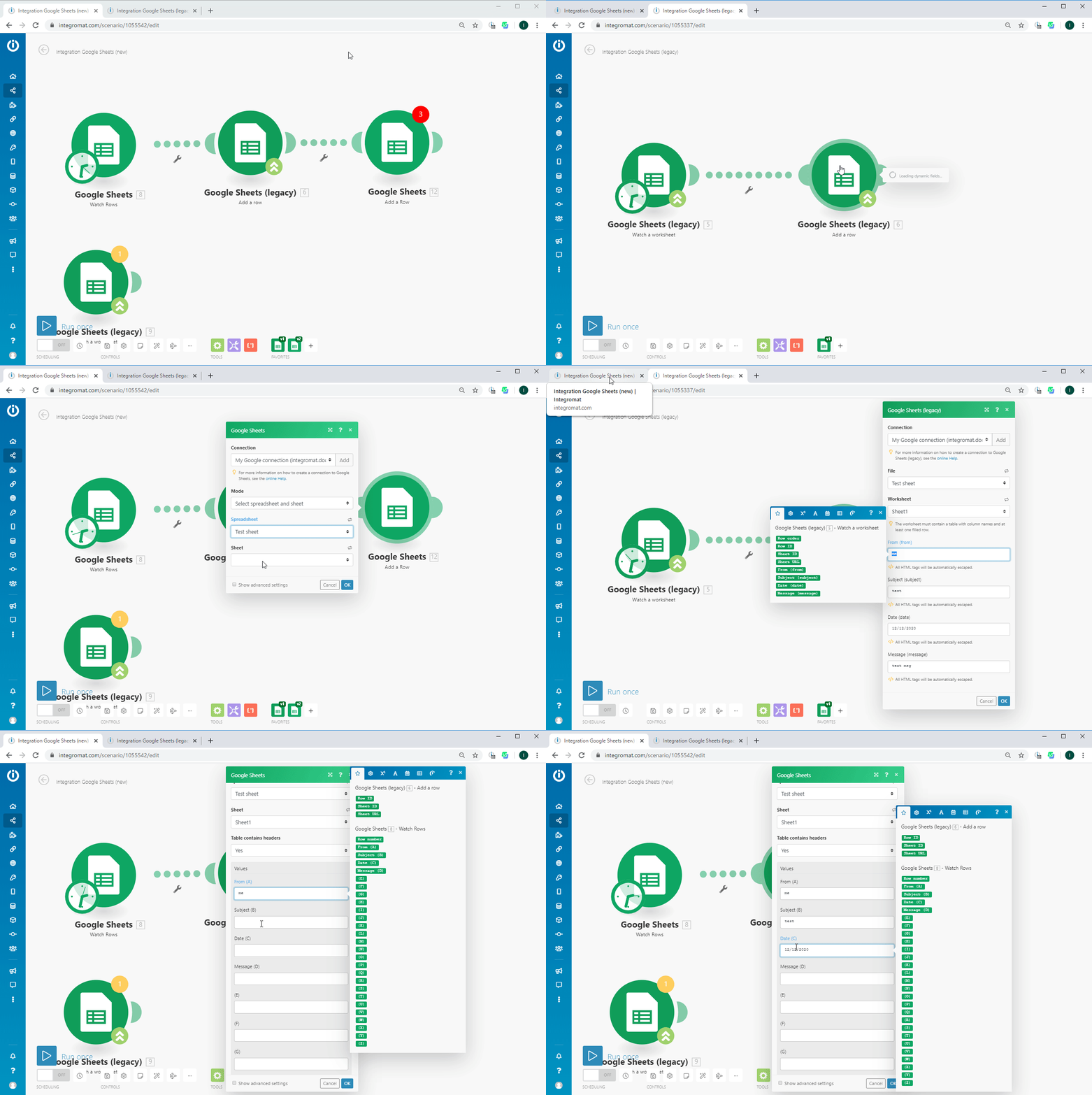
-
Repeat this for every module.
-
-
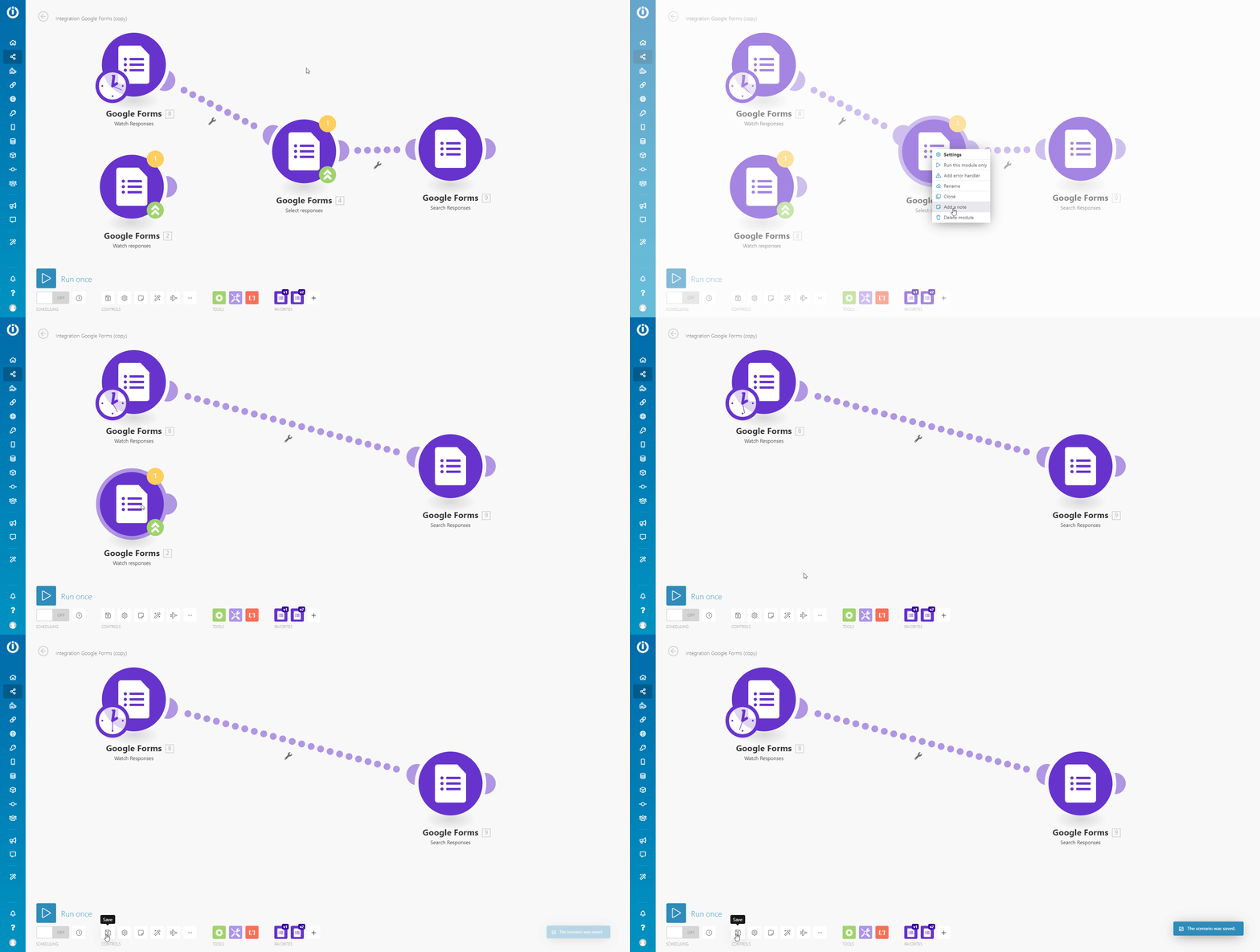
Remove all the legacy modules from your new scenario and click Save.