Add-ons
Add-ons extend your modules with additional functionality to match your business processes. For example, pair the Tasks module with the Work hours add-on to track the hours logged against individual tasks.
Find and install add-ons
Active and available add-ons live on the main desktop. Click + New module — add-ons appear just below the modules.
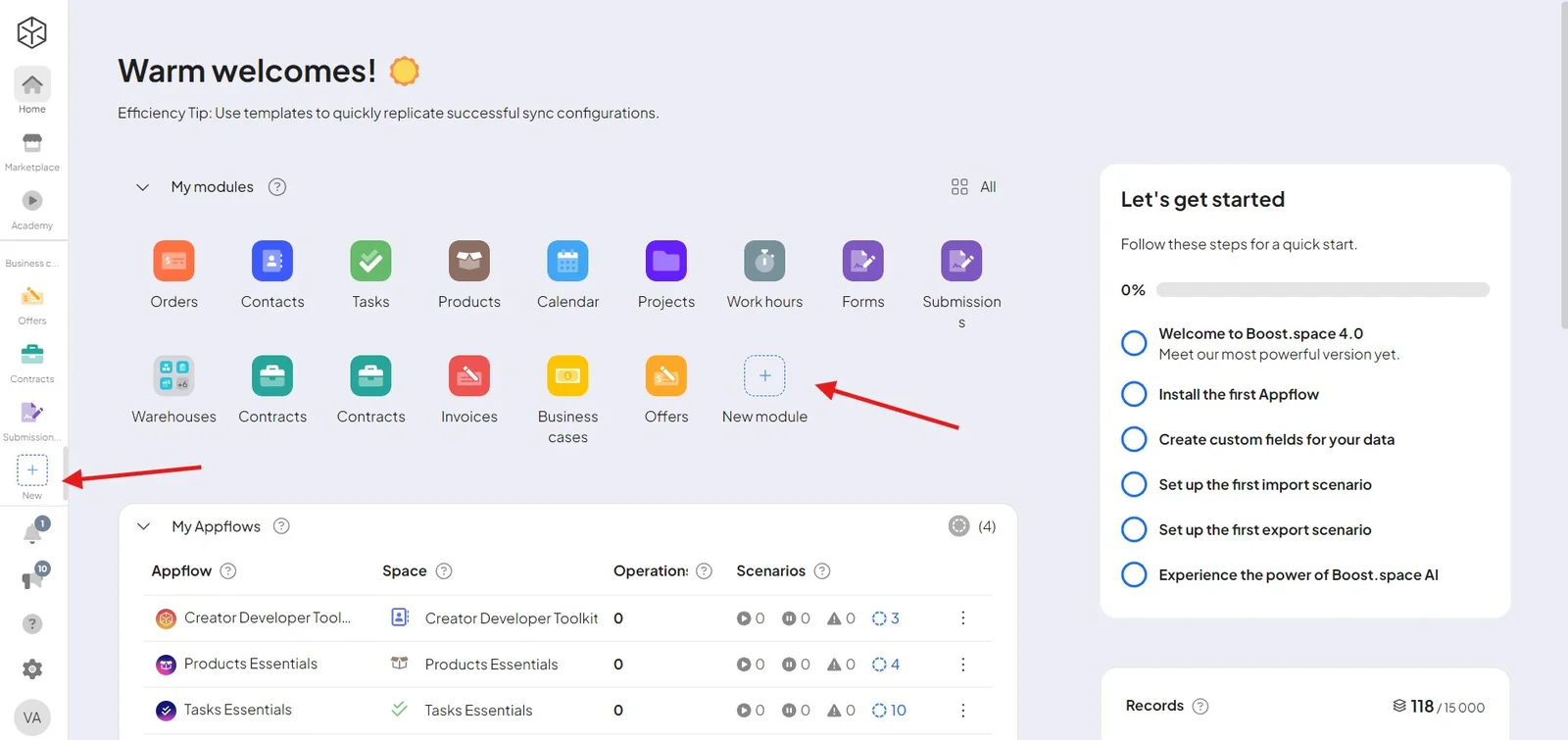
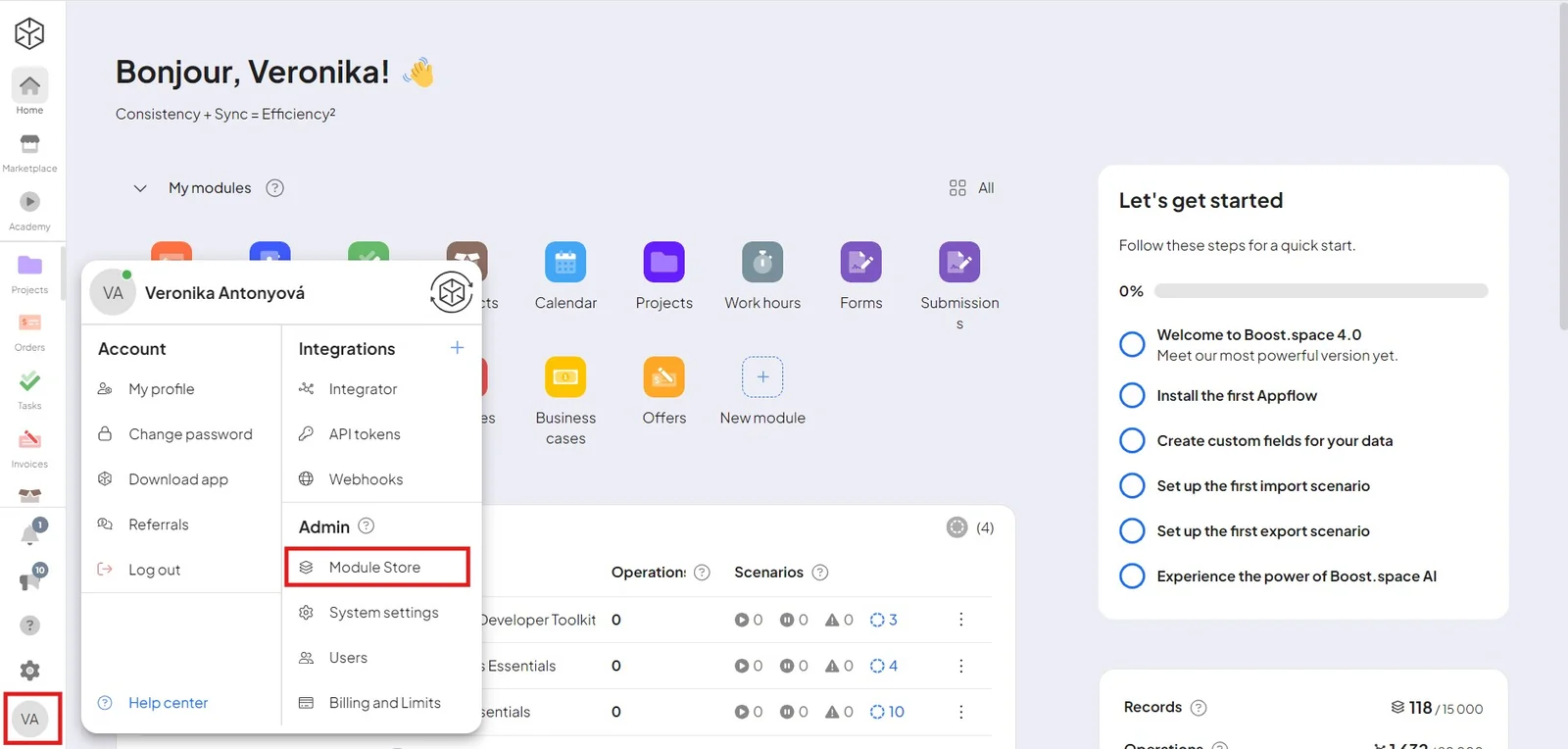
The full module store is reachable from the avatar at the bottom, via the module store icon.
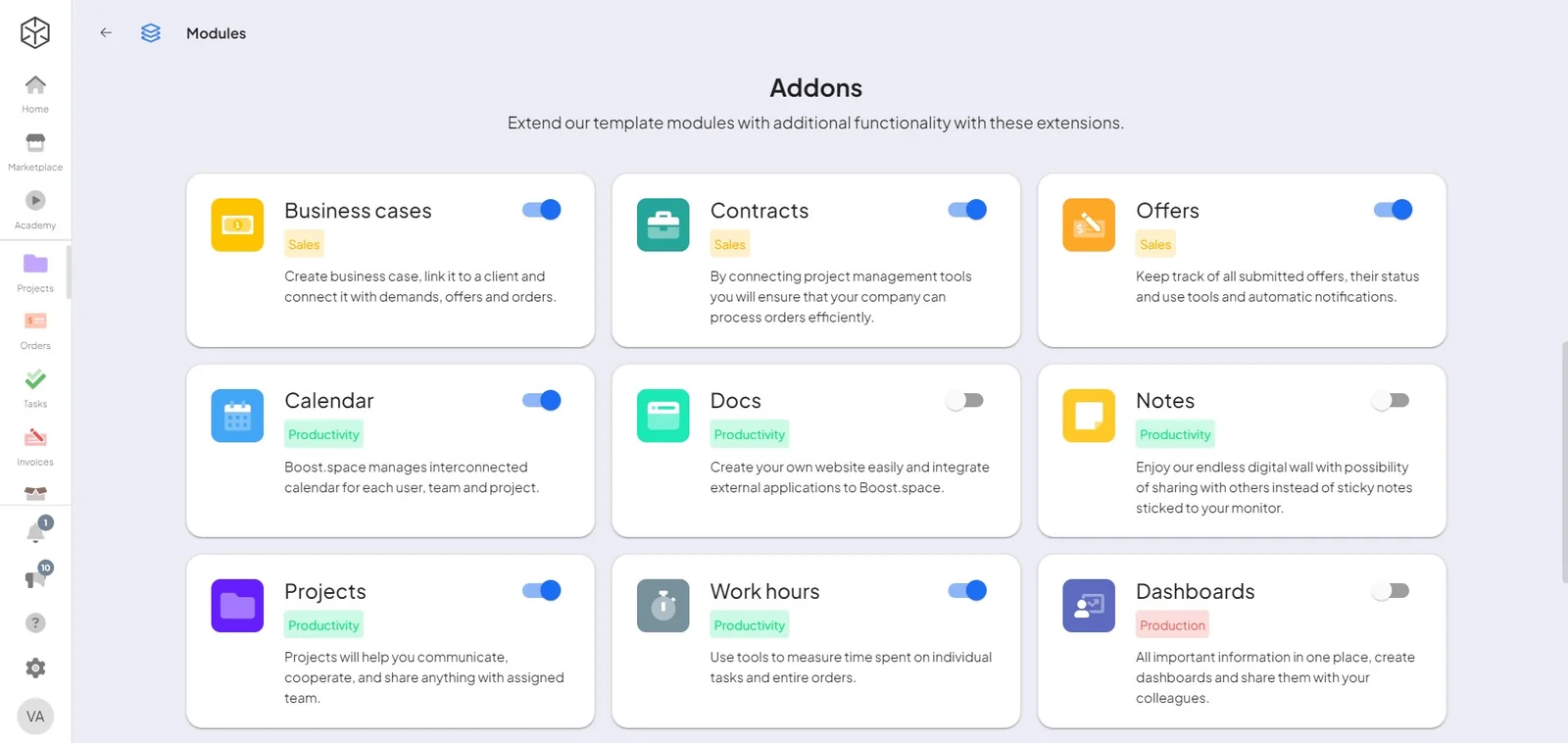
Available add-ons
Add-ons you'll find in Boost.space include:
- Business cases · Business offers · Contracts · Calendar
- Notes · Projects · Work hours · Wall · Pages
- Dashboards · Purchases · Payments · Warehouses · Charts
Some classic add-ons (for example Forms, News Monitor, and Photopea) and their detailed guides live in the legacy documentation.
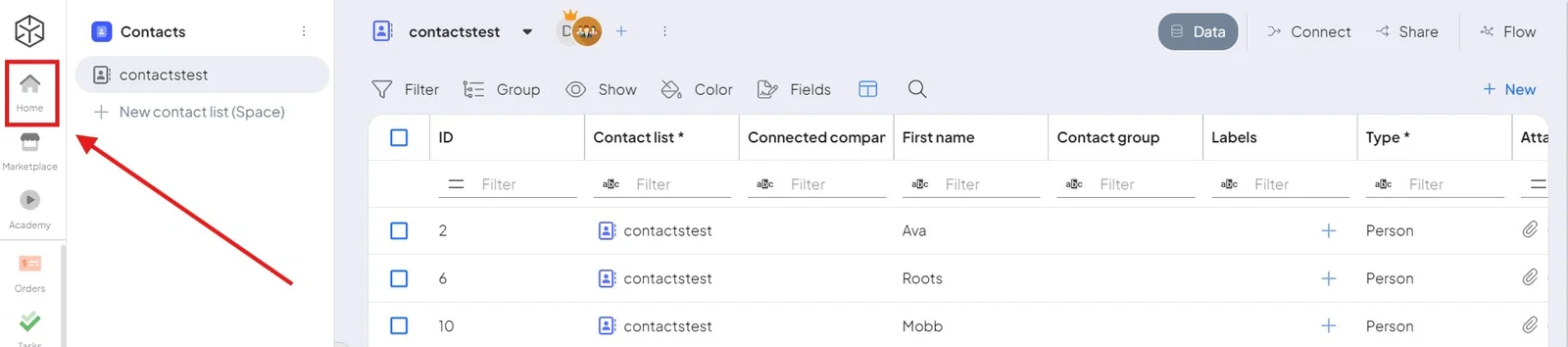
You can always return to the main desktop with the Home button, from any module or add-on.
Learn more
- Modules — the data types your database is built from
- Custom modules — build your own
- Individual modules – setup (admin)

