The Warehouse addon provides complete stock overview and management
A stock item is one of the records in your warehouse. It contains information about its location or additional information such as its own serial number, type, external marking, etc. Other records in your warehouse could be stock cards, stock issues, stock reservations etc. It’s similar to a record in your product database called a product. The record in your warehouse is called stock item.
Each stock item falls under one stock card, from which it takes its description, dimensions, and more. For example, the stock card “iPhone 13 Pro” is placed in 3 places in the warehouse, so the stock card “iPhone 13 Pro” has 3 stock items.
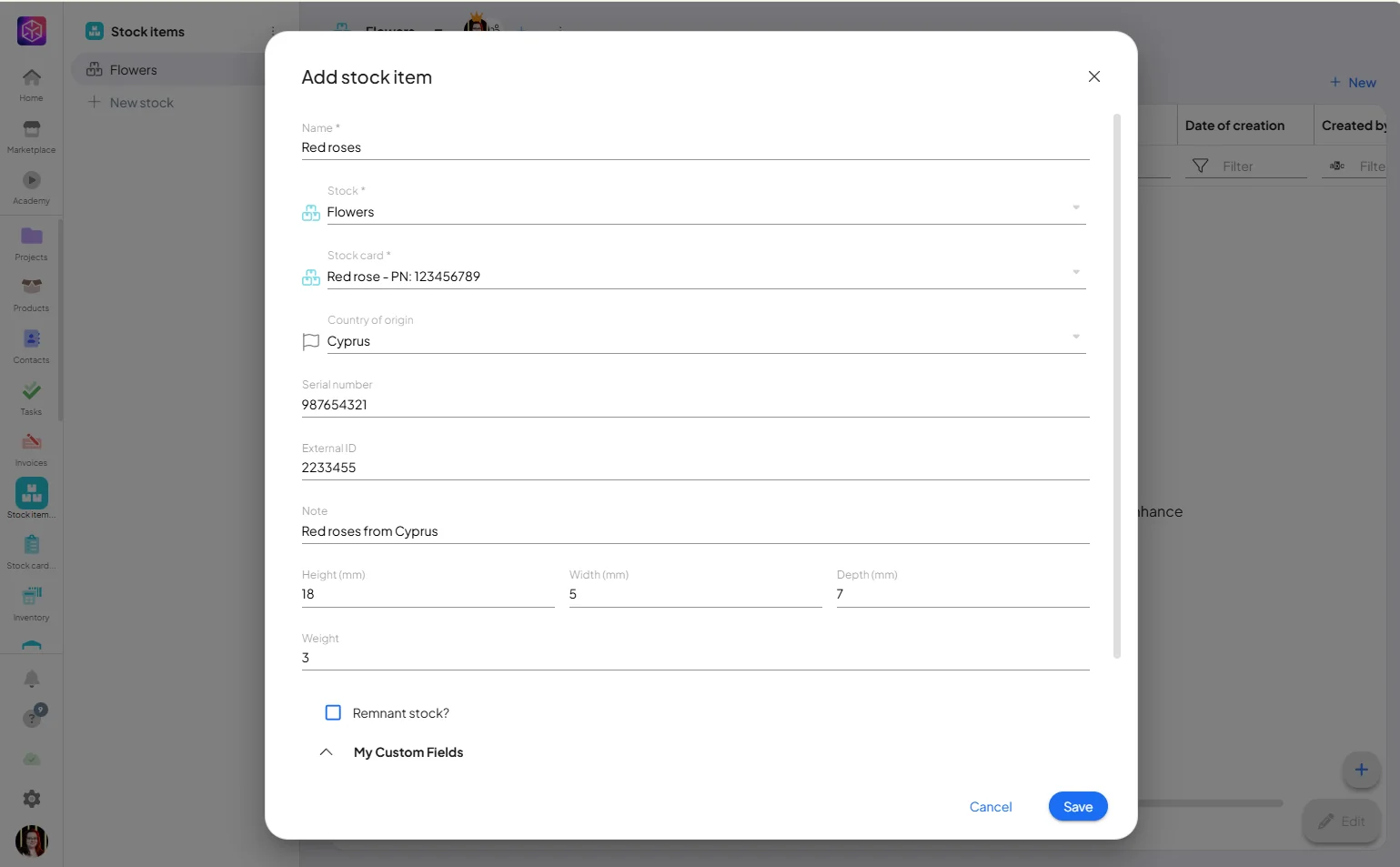
Basic information while adding a new stock item:
- Name – the name of the stock item;
- Stock – the specific warehouse in which the stock item is located;
- Stock card – the stock card under which the stock item falls and from which it takes over some settings;
- Country of origin – from which country the item is taken;
- Serial number – the number of the item;
- External ID– the stock card identification used by the supplier or other interested parties;
- Note – any note on the stock item;
- Measurements
- Height (mm)
- Width (mm)
- Depth (mm)
- Weight
Other information you can add to stock item by adding stock card:
- Suppliers – the suppliers from whom the stock item is taken;
- Type – warehouse item type, which can be set in system settings -> warehouses -> basic settings;
- The minimum number of – to ensure that at least a minimum quantity of the stock item is available at all times. If the minimum quantity is exceeded, the shortage is automatically alerted;
- Amount on stock – the current total of stock items in the selected warehouse;
- Amount of reserved – total number oof reserved items;
- Remains – especially suitable for material that can be divided into several parts and is still related to the same stock item (e.g. carpets, sheets, paper rolls, etc.) – this residue still falls under the same stock card;
- Average price – the average price per unit of a stock item at the last receipt of that stock item;
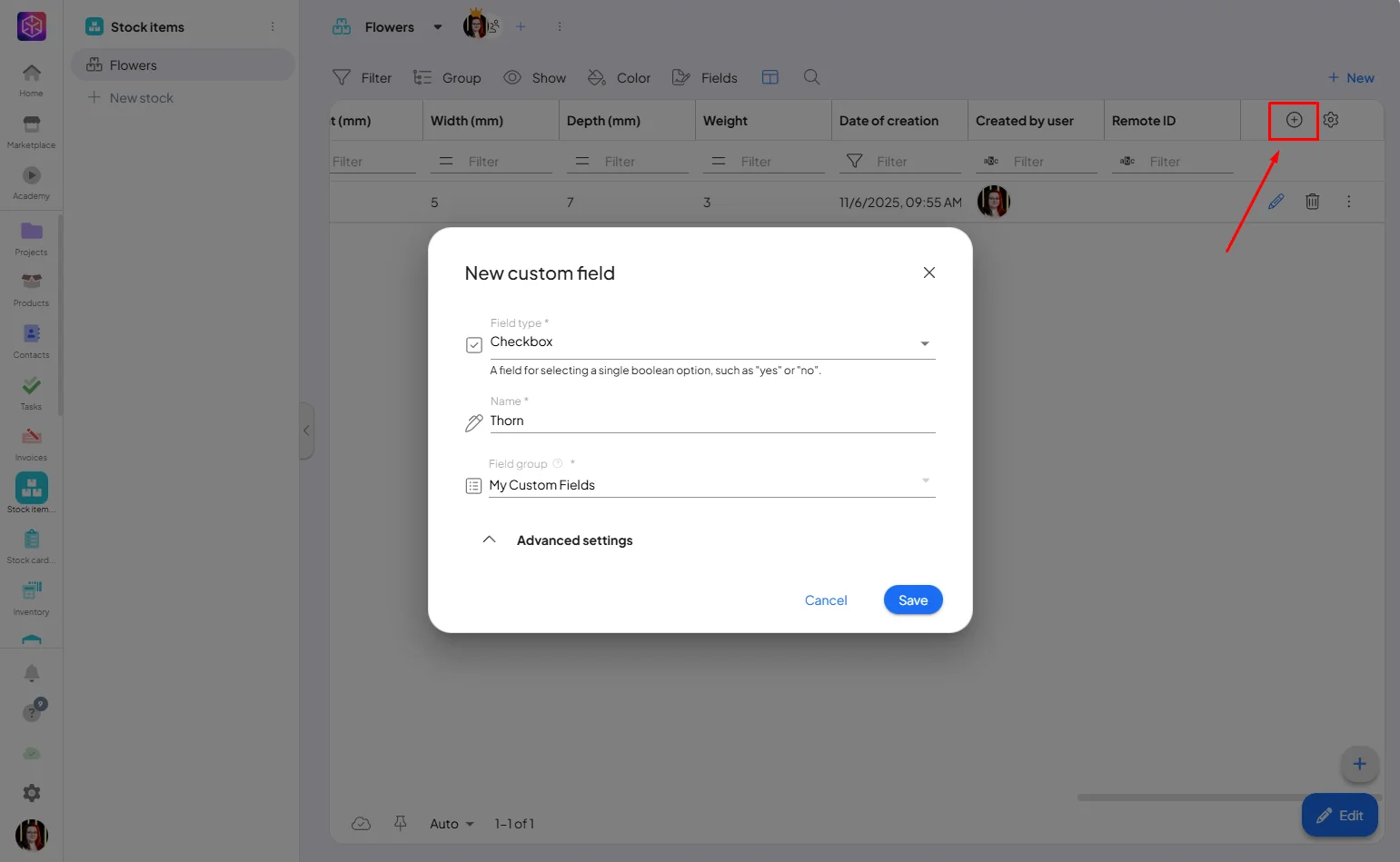
You can aslo create a new custom fields for your items to match your needs.
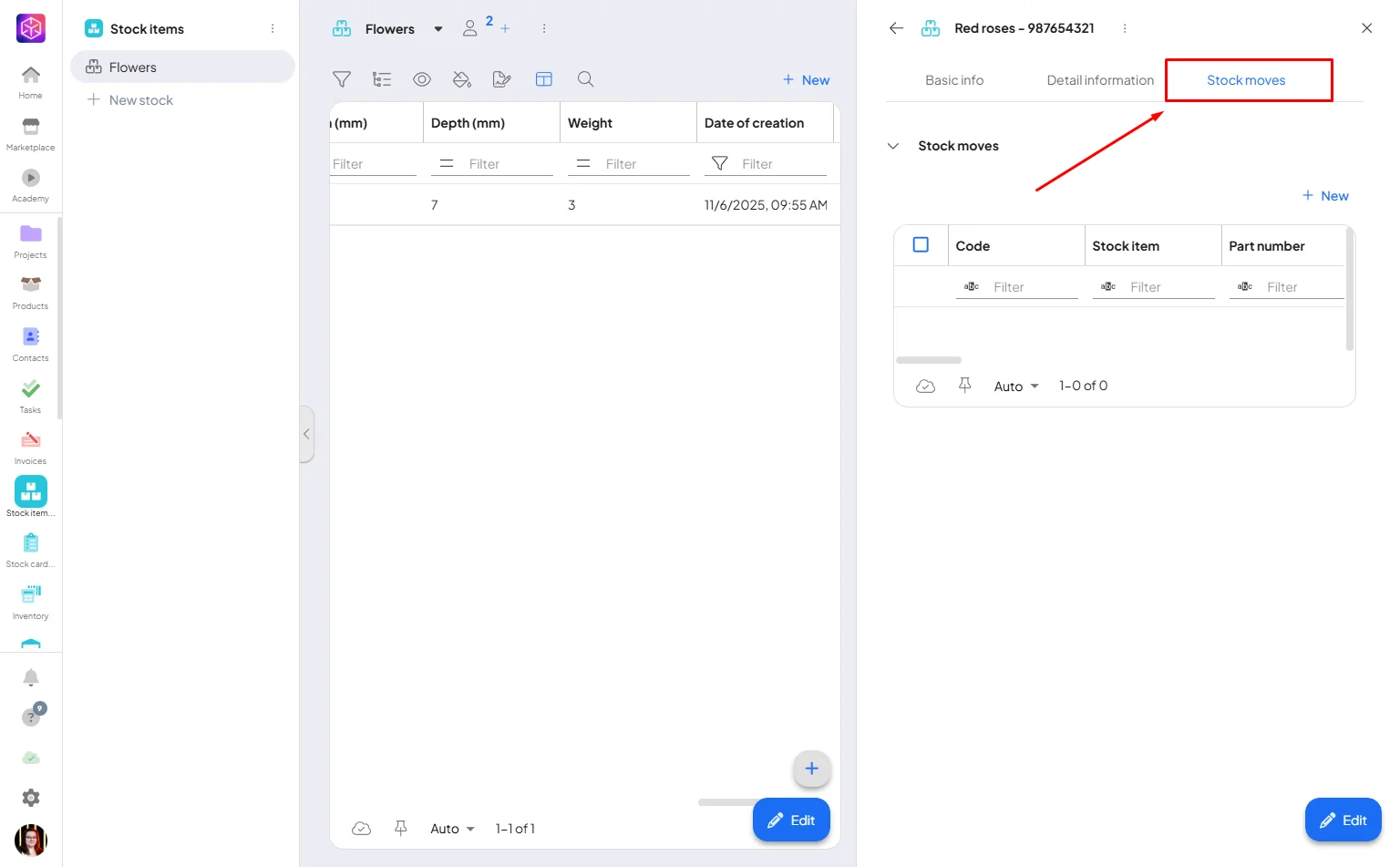
Stock Moves
For each stock item, you can view all receipts, dispatches and transfers that contain that stock item. Using the overview table (inside the stock item detail) you always have a specific overview of their statuses and you can receive/issue/transfer goods directly from the Stock Items addon.
Detail of stock item
Each stock item is linked to the other warehouse addons, which gives you more detailed information about the movement of stock items and their prices in the stock item detail. The stock item detail can also contain additional attributes and storage requirements for the stock item.
The Warehouse addon provides a system for managing stock. Each stock item is linked to a specific stock card and contains detailed information such as location, origin, serial number, and suppliers.
If you need help with anything, please contact us at support@boost.space.

