How to restore a previous scenario version
-
Open your scenario.
-
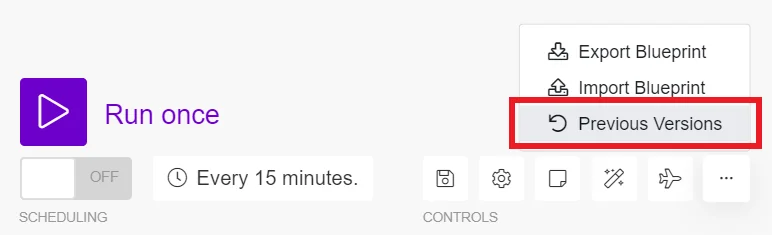
Click on the icon with three dots in the bottom of the scenario editor.
-
Choose “Previous Versions” from the menu.
-
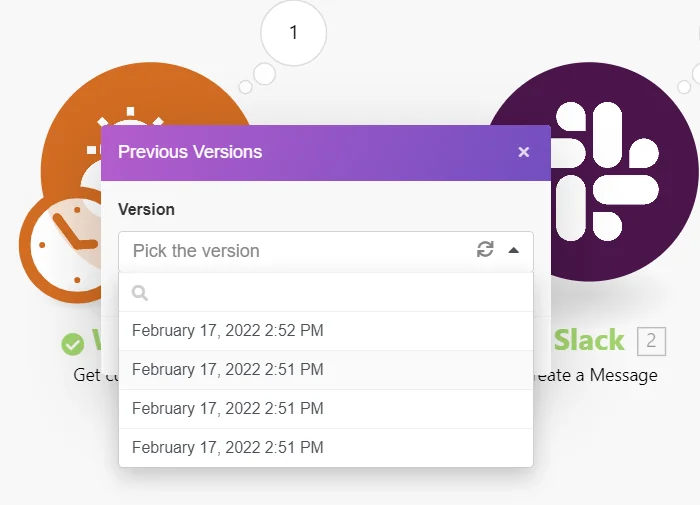
Click on the “Pick the version” placeholder to open the list of previous versions.
-
Choose a version you would like to restore.
-
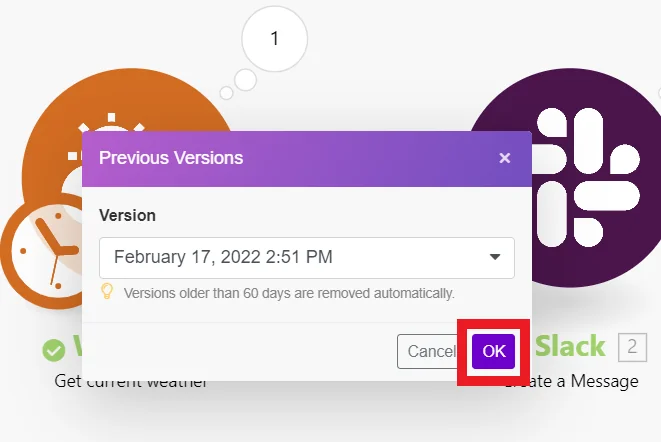
Confirm by clicking on the “OK” button:
-
The selected scenario version will be restored.
![[Caution]](/img/chrome/caution.webp)
Caution
The restored version of the scenario is not automatically saved. If you wish to save the restored version of the scenario, you have to do so manually.

