EverWebinar
Getting Started with EverWebinar
Prerequisites:
An EverWebinar account. Create an account at main.everwebinar.com/ewmoa-3-step.
Creating a Connection to EverWebinar
-
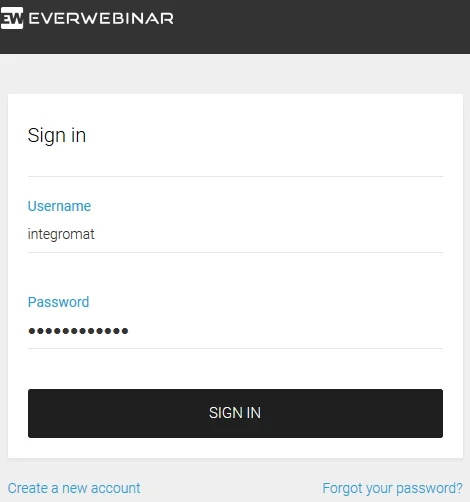
Login to your EverWebinar account.
-
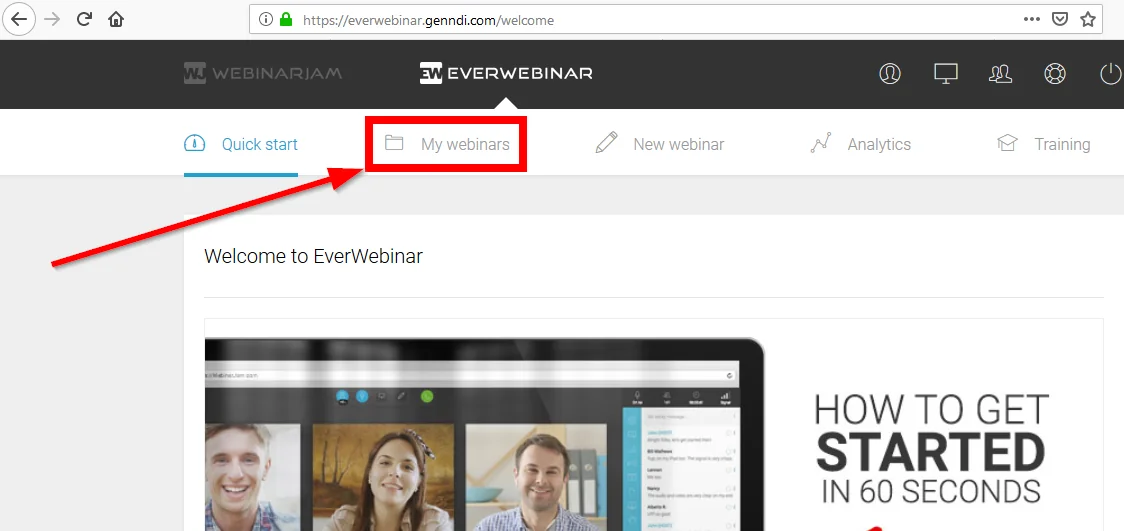
Go to the My webinars page.
-
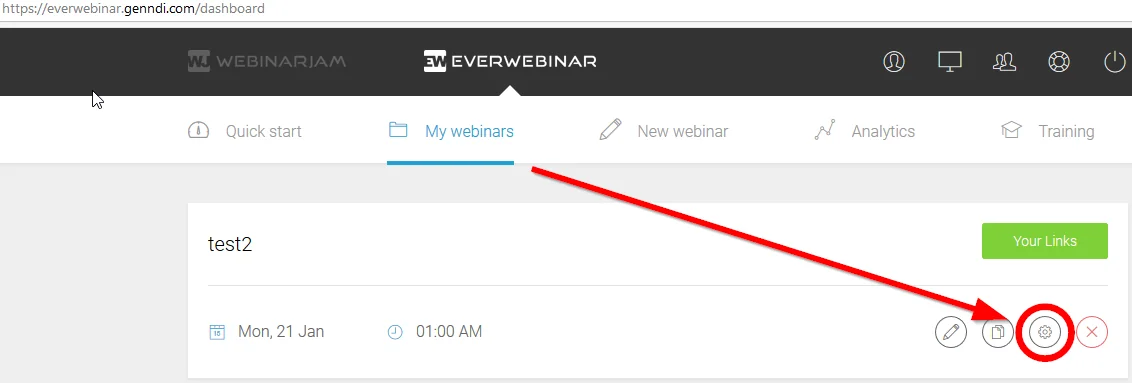
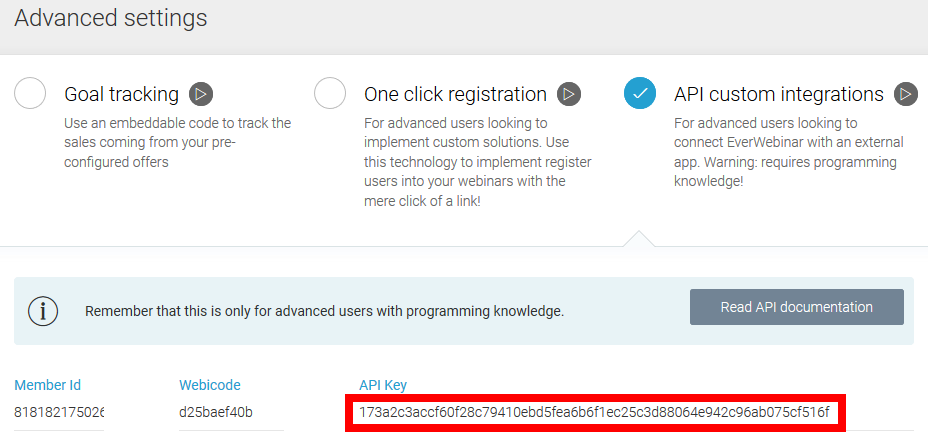
Click on the Advanced Settings icon.
-
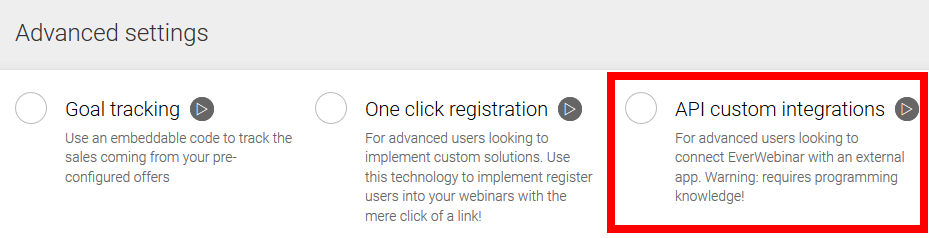
Select the API custom integrations option.
-
Select and copy the provided API Key.
-
Paste the API Key into the Boost.space Integrator EverWebinar module.
Actions
Register a Person
Registers a person to a selected webinar.
Connection
Establish a connection to EverWebinar using the API Key.
Email address
Enter the webinar registrant’s email address.
First name
Enter the webinar registrant’s first name.
Last name
Enter the webinar registrant’s last name.
Webinar
Select the webinar you want to register the person to.
Schedule
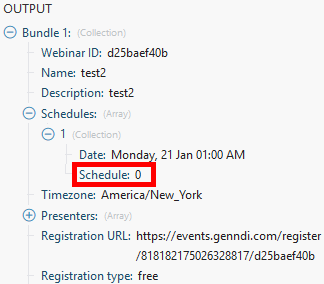
Enter the schedule ID. E.g. “0” as the schedule index number. Can be obtained from other modules (e.g. Get a Webinar):
IP address
Enter the custom IP address if needed.
Phone country code
Enter the phone country code without “+”. This field is optional.
Phone
Enter the phone number using only numbers. This field is optional.
Timezone
Select the timezone. Required if your webinar timezone is set to “Auto-detect the user’s time zone”. Examples: GMT-5 or GMT+2 or GMT+4:30
Real dates
If enabled, the user will be registered to the very next upcoming selected schedule. Please note that, by enabling this parameter, you may also register the user to the ‘Just in Time’ and ‘Instant Replay’ schedules.
Get a Webinar
Retrieves information about a selected webinar.
Connection
Establish a connection to EverWebinar using the API Key.
Webinar
Select the webinar you want to get information about.
Timezone
Select the timezone. Required if your webinar timezone is set to “Auto-detect the user’s time zone”. Examples: GMT-5 or GMT+2 or GMT+4:30
Real dates
If enabled, the user will be registered to the very next upcoming selected schedule. Please note that, by enabling this parameter, you may also register the user to the ‘Just in Time’ and ‘Instant Replay’ schedules.
Searches
List Webinars
Retrieves a list of all your webinars in EverWebinar.
Connection
Establish a connection to EverWebinar using the API Key.
Legacy article, imported from the original Boost.space knowledge base (/knowledge-base/applications/marketing/everwebinar/).

