MeisterTask
Getting started with MeisterTask
Prerequisites
MeisterTask account. You can create an account at MeisterTask sign-up page.
Connecting the MeisterTask service to Boost.space Integrator
To connect your MeisterTask account to Boost.space Integrator, follow the general instructions for Connecting to services.Connecting Boost.space Integrator to any web service
After you click the Continue button, Boost.space Integrator will redirect you to the MeisterTask.com website and you will be prompted to grant Boost.space Integrator access to your account.
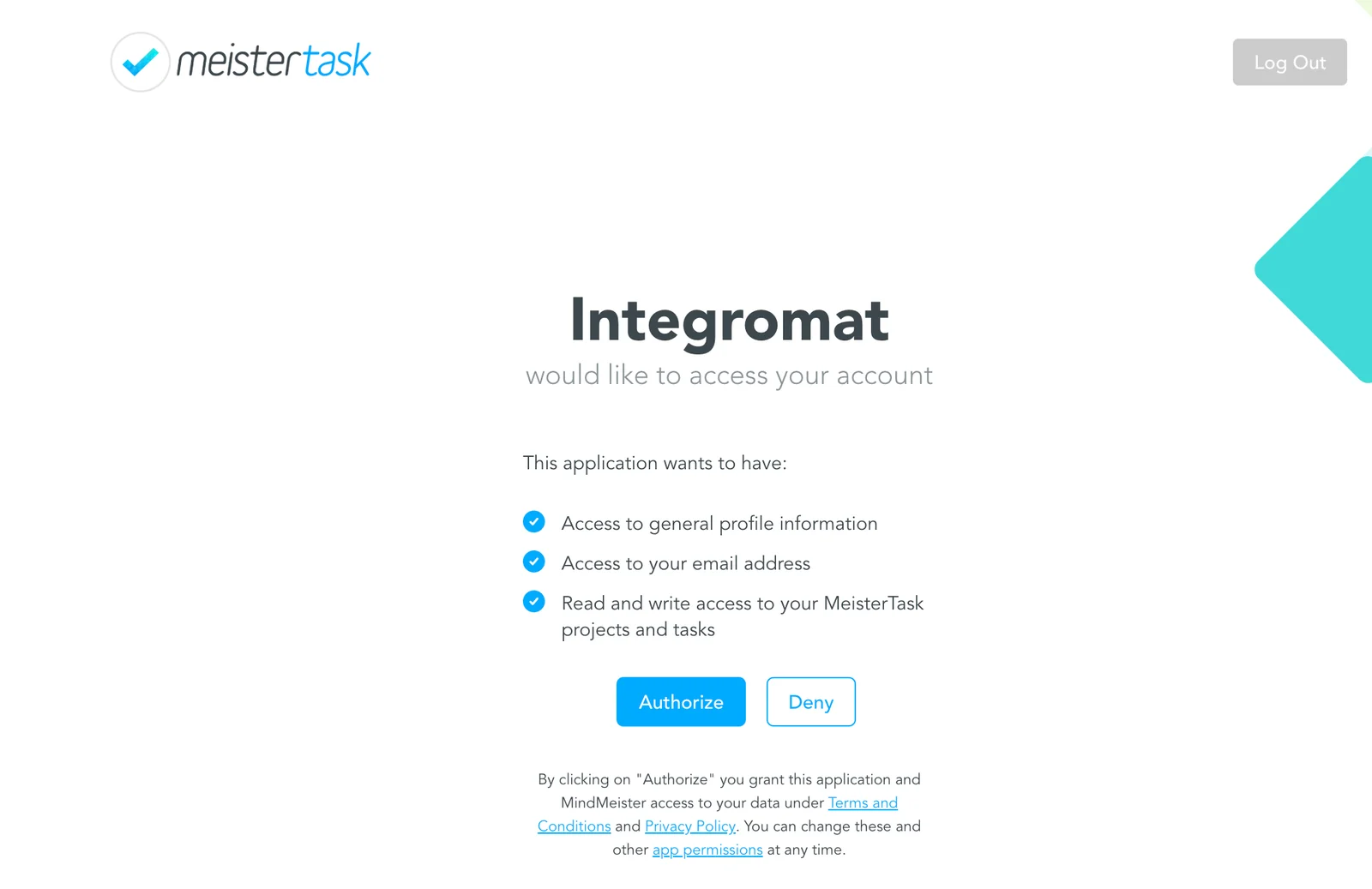
After you allow access, you will be redirected back to the Boost.space Integrator administration page. Now, you can continue creating your scenario.
Triggers
Watch comments
This trigger reads all the comments of a selected task.
Connection
Establish the connection to your Meistertask account.
Limit
Maximum number of comments that are loaded in one cycle.
Filter type
Here you can filter what types you want to read comments from.
Project
Select the project.
Section
Select which section contains the monitored task.
Task
Select the task you want to watch for new comments.
Watch tasks
Use this function to watch for newly added tasks
Connection
Establish the connection to your Meistertask account.
Limit
Maximum number of tasks that are loaded in one cycle.
Project
Select the project you want to watch for new tasks.
Status
Choose whether you want to watch tasks in Open, Completed, Completed and Archived, or Trashed status.
Assigned to
Select the user whose tasks you want to watch.
Focused by
Select the user who focused (
 ) this task.
Watch new tasks of a section
Triggers when a new task is added to a defined Meistertask section
Connection
Establish the connection to your Meistertask account.
Project
Select the project you want to watch for new tasks.
Section
Select the section you want to monitor for new tasks.
Status
Choose whether you want to watch tasks in Open, Completed, Completed and Archived, or Trashed status.
Limit
Maximum number of tasks that are loaded in one cycle.
Assigned to
Select the user the new task is assigned to.
Focused by
Select the user who focused (
) this task.
Actions
Create a comment
Connection
Establish the connection to your Meistertask account.
Filter type
Here you can filter which types you want to add a comment to.
Project
Select the project you want to add a comment to.
Section
Select the section you want to add a comment to.
Task
Select the task from the drop-down menu you want to comment on.
Text
Enter your comment. In MeisterTask, you can use Markdown to format text in your comments.
Add a label to a task
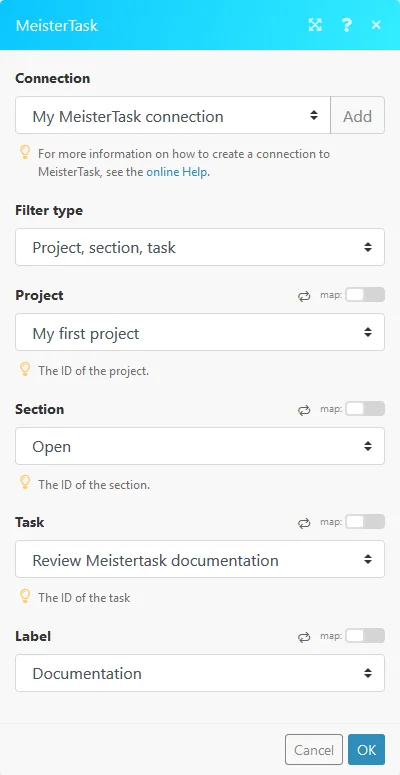
Connection
Establish the connection to your Meistertask account.
Filter type
Here you can filter the areas you want to specify.
Project
Select the project where you want to perform the action.
Section
Select one of the project sections.
Task
Select the target task of your action.
Label
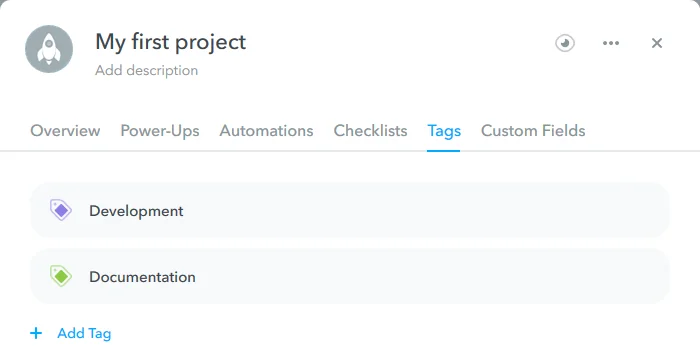
Select a tag you want to add to your task. The tag has to be already created.
Update a tag/label
Use this action to update or delete a tag. Tags are changed globally in all areas.
Connection
Establish the connection to your Meistertask account.
Action
Select what type of action you want to perform.
Project
Select the project where you want to perform the action.
Label
Select the tag that you want to update or delete.
New tag/label name
Select a new name for the tag. The name must be unique in the project.
New color
Assign a new color to the selected tag.

Create a new task
Connection
Establish the connection to your Meistertask account.
Project
Select the project where you want to perform the action.
Section
Select one of the project sections.
Assign to
Select the user you want to assign this project to.
Task name
Enter the name of the new task.
Notes
Enter the notes for the new task.
Due
Enter a due date of the new task. List of supported date formats.
Create a tag/label
Creates a new tag.
Connection
Establish the connection to your Meistertask account.
Project
Select the project where you want to perform the action.
New tag/label name
Enter a name for the new tag.
New color
Select desired color.
Update a task
Connection
Establish the connection to your Meistertask account.
Filter type
Here you can filter what areas/types you want to specify for this action.
Project
Select the project where you want to perform the action.
Section
Select one of the project sections.
Task
Select the task you want to update.
New name
Enter a new name for the updated task.
Due
Enter a due date for the new task. List of supported date formats.
Assign to
Select the user you want to assign this task to.
Notes
Enter the notes for the updated task.
Status
Select the status of the updated task.
Searches
Get project info
Retrieves information about a selected Meistertask project.
Connection
Establish the connection to your Meistertask account.
Project
Select the project where you want to perform the action.
Get tasks
Connection
Establish the connection to your Meistertask account.
Assigned
Select the user the new task is assigned to.
Focused
Select the user who focused (
) this task.
Status
Select whether you want to get information about tasks in Open, Completed, Completed and Archived, or Trashed status.
Get task comments
Retrieves comments from a selected task.
Connection
Establish the connection to your Meistertask account.
Limit
Maximum number of comments that are loaded in one cycle.
Filter type
Here you can filter what areas/types you want to specify for this action.
Project
Select the project where you want to perform this action.
Section
Select one of the project sections.
Task
Select the task you want to retrieve comments from.
Get tasks from a section
Retrieves tasks from a selected Meistertask section.
Connection
Establish the connection to your Meistertask account.
Limit
Maximum number of tasks that are loaded in one cycle.
Project
Select the project where you want to perform this action.
Section
Select one of the project sections.
Assigned to
Select the user that is assigned the new task.
Focused
Select the user who focused (
) this task.
Status
Select whether you want to get information about tasks in Open, Completed, Completed and Archived, or Trashed status.
Get task labels
Retrieves tags from a selected task.
Connection
Establish the connection to your Meistertask account.
Filter type
Here you can filter what areas/types you want to specify for this action.
Project
Select the project where you want to perform the action.
Section
Select one of the project sections.
Task
Select the task you want to retrieve tags from.
Legacy article, imported from the original Boost.space knowledge base (/knowledge-base/applications/productivity/meistertask/).

