Modules
A module is the type of data at the top of the Boost.space data model — the tables of your database. Boost.space is built on modularity: you activate only the modules you need and add more as you grow. Each module is a ready-to-sync database of records, organized into spaces and described by fields.
Build the modules you need
The flexible way to model your data is with custom modules — define a module's name, icon, fields, spaces, and permissions to match your exact process.
Boost.space also offers ready-made add-ons that extend your setup with focused functionality (Work hours, Projects, Warehouses, and more).
The classic named modules (Tasks, Contacts, Invoices, Products, Business orders, and the classic add-ons) are documented in the legacy documentation. New setups build on custom Modules instead.
Find and open modules
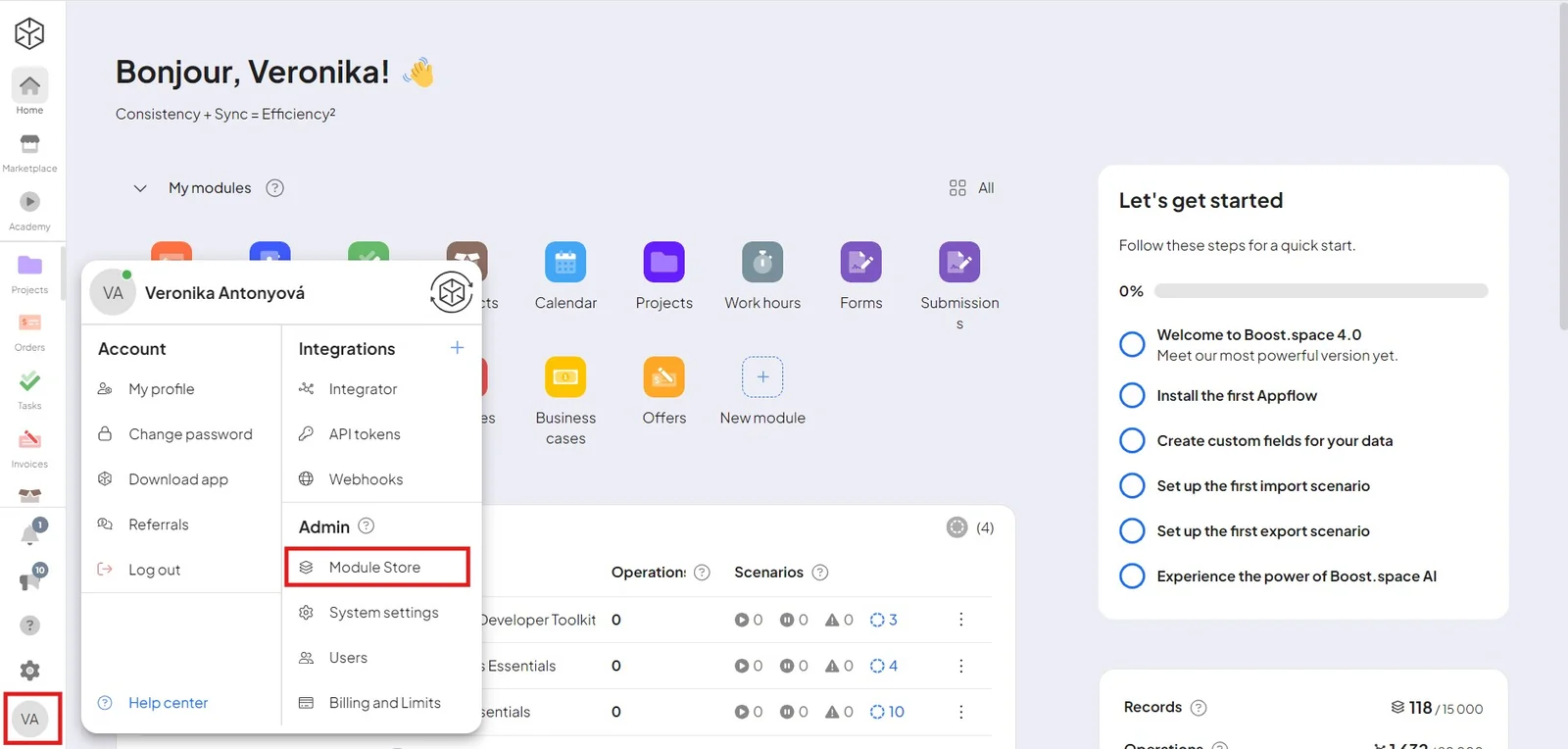
Active modules live on the main desktop. Click + New module to add one — modules appear first, with add-ons just below.
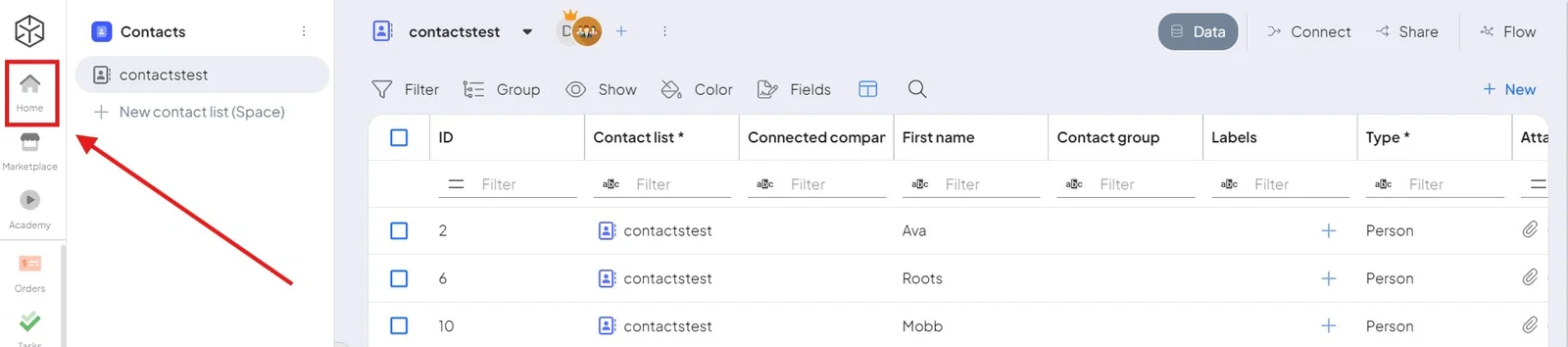
You can always return to the main desktop with the Home button, from anywhere in the system.
Modules interconnect automatically
Modules connect to each other and to add-ons out of the box, so data flows between them without manual setup. For example:
- The Tasks module plus the Work hours add-on lets you measure time spent per task.
- A won opportunity can automatically create a follow-up order in the Business orders module.
Admins install modules
System administrators install and remove modules and add-ons in the module store, then make them available to other users. A newly added module is automatically connected to the rest of your modules and add-ons. For per-module setup, see Individual modules – setup (admin).
Learn more
- Custom modules — build your own module
- Add-ons — extend with ready-made functionality
- Hierarchy – modules, spaces and records
- Modules vs. spaces
- Navigating the modules

