Global SMS
With the Global SMS modules in Boost.space Integrator, you can create, update, retrieve and delete the contacts in your Global SMS account.
To get started with the Global SMS, create an account at smsglobal.com.
The module dialog fields that are displayed in bold (in the Boost.space Integrator scenario, not in this documentation article) are mandatory!
Connect Global SMS with Boost.space Integrator
To connect the Global SMS app with the Boost.space Integrator:
-
Log in to your Global SMS account.
-
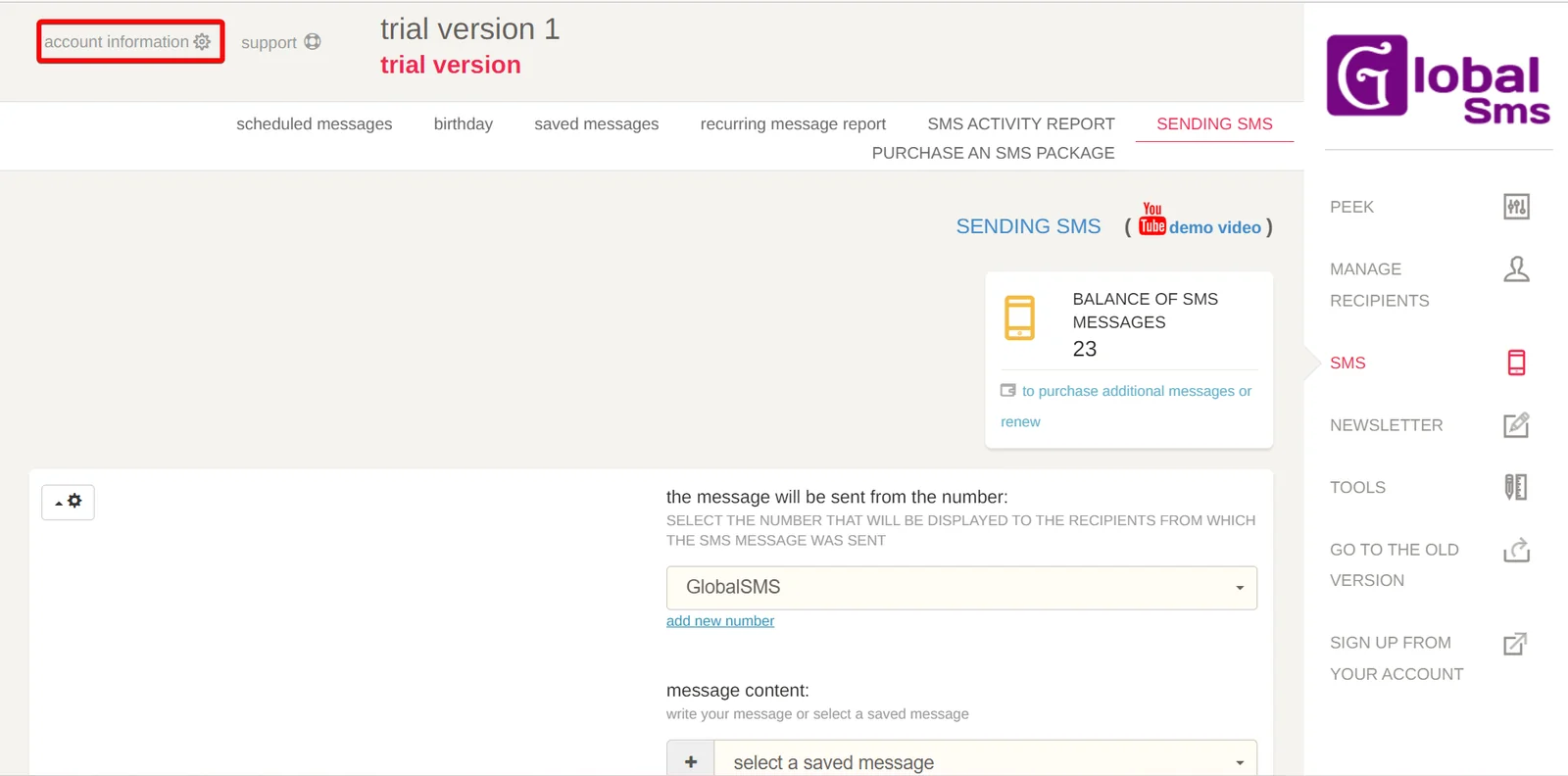
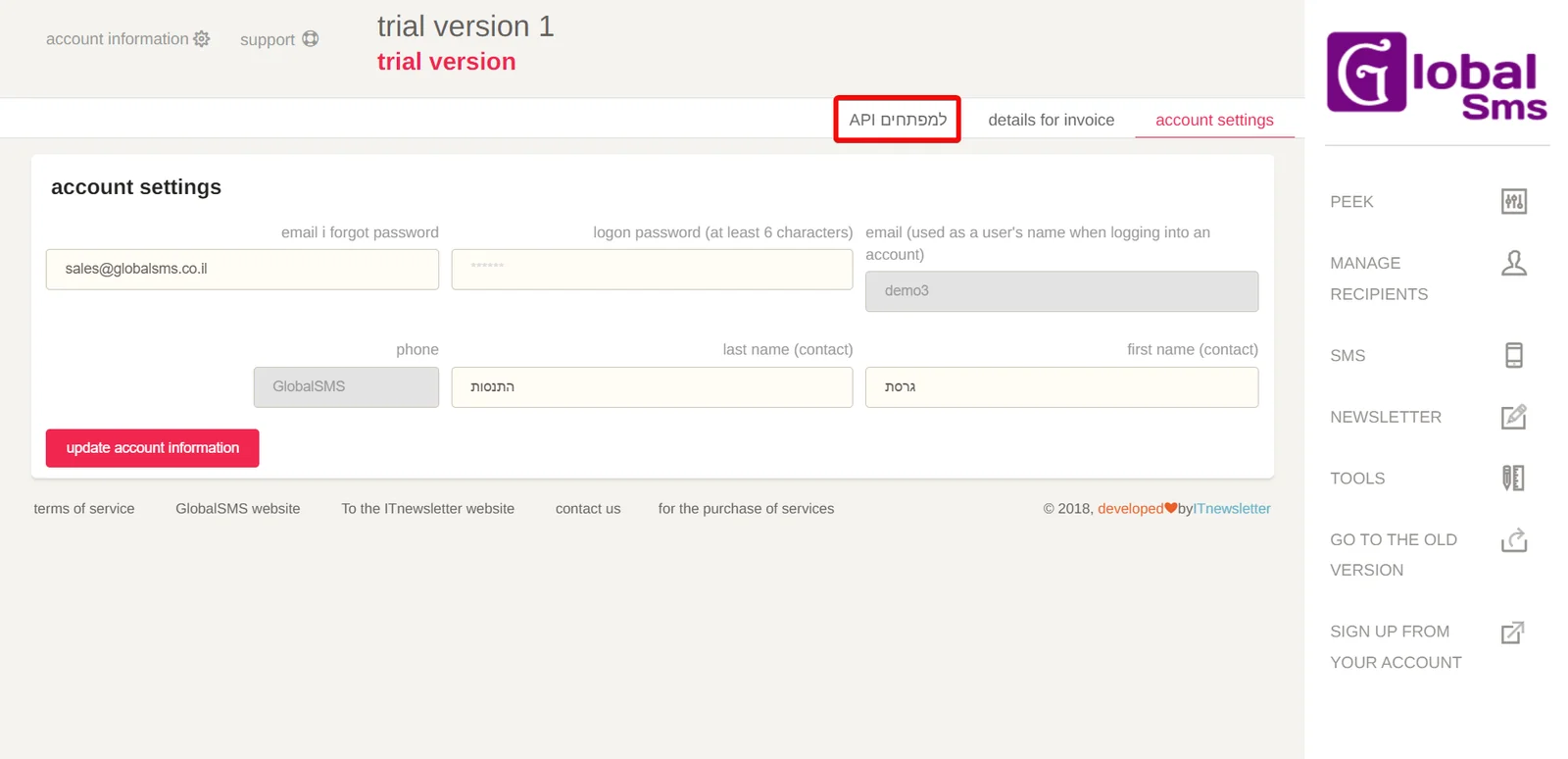
Click Account Information > API.
-
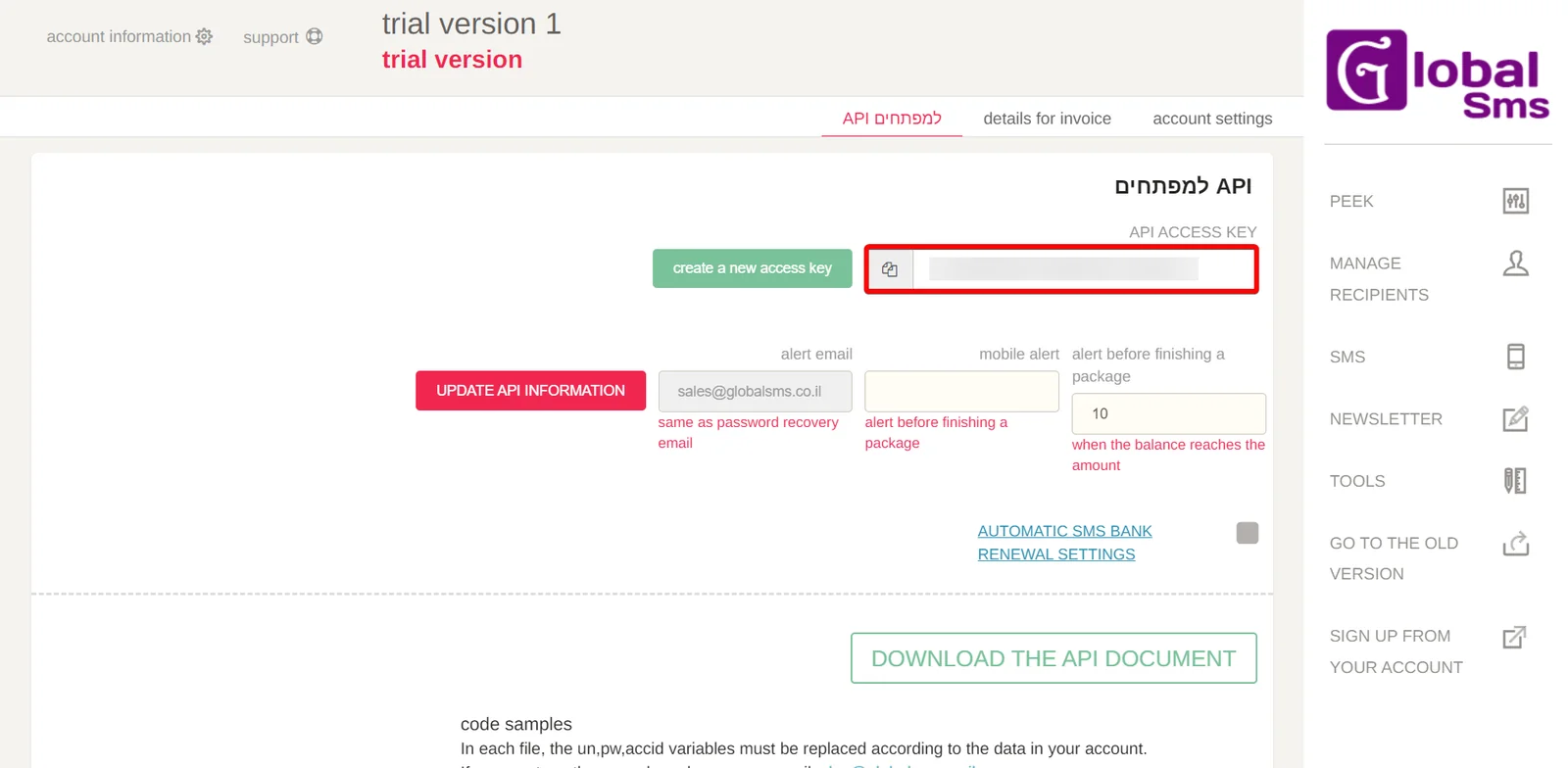
Copy the API Key to a safe place.
-

Log in to your Boost.space Integrator and add a module from the Global SMS into a Boost.space Integrator scenario.
-
Click Add next to the Connection field.
-
In the Connection name field, enter a name for the connection.
-
In the API Key field, enter the details copied in step 3 and click Save.
You have successfully connected the Global SMS app with Boost.space Integrator and can now build scenarios.
Actions
You can get the account balance of the logged-in user and send SMS using the following modules.
Send SMS To Recipients
Sends an SMS message to a single recipient or multiple recipients.
Connection
Establish a connection to your Global SMS account.
SMS Originator
Enter (map) the number your recipients see as the sender.
They may reply to that number. Mobile and landline numbers should be verified on the Send SMS screen in the Global SMS app
Destinations
Enter (map) the recipient’s mobile numbers including the country code. For example, 0501122337.
Message
Enter (map) the text message to send. The message must be between 1 and 1005 characters long.
Get Balance
Get your account’s balance.
Connection
Establish a connection to your Global SMS account.
Legacy article, imported from the original Boost.space knowledge base (/knowledge-base/applications/communication/global-sms/).

