With Crowdin modules in Boost.space Integrator, you can create, manage, and monitor all your projects, tasks, strings, translations, files, and directories in your Crowdin account.
To get started with Crowdin, create an account at crowdin.com.
Set up Crowdin webhooks
Some modules allow you to monitor events in your Crowdin account through webhooks.
Go to your Boost.space Integrator scenario and select the Crowdin Watch module you want to use.
Under Webhook, click Add.
Give your new webhook a name, then select the connection you want to use. See below for how to create a connection.
Select the Crowdin project ID and choose the type of event you want to monitor. Click Save.
Boost.space Integrator automatically attaches the webhook to your Crowdin account. The scenario now triggers whenever the event occurs.
Connect Crowdin to Boost.space Integrator
To connect to Crowdin you need to authorize Boost.space Integrator in your account.
Log in to your Crowdin account.
By logging in first you won’t need to log in again later.
Go to your Boost.space Integrator scenario and select the Crowdin module you want to use.
Under Connection, click Add.
Give your new connection a name, then click Save.
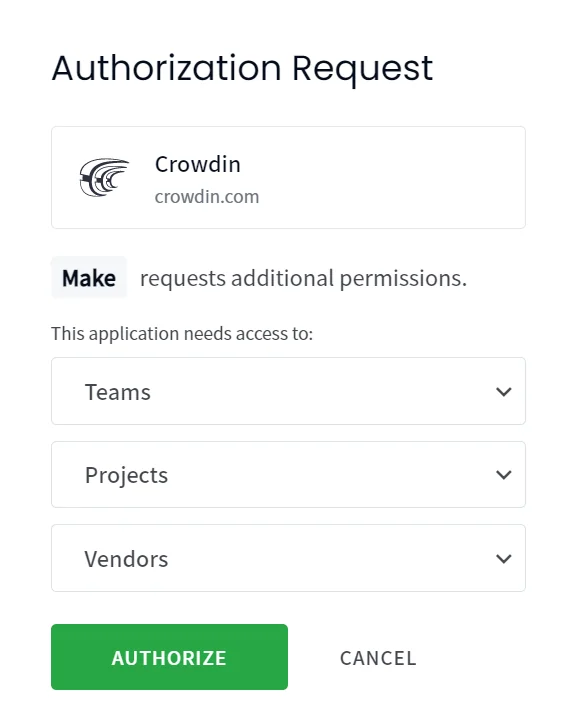
You will be prompted to authorize access for Boost.space Integrator.
Click Authorize.
You have successfully established the connection.
Legacy article, imported from the original Boost.space knowledge base (/knowledge-base/applications/it-and-development/crowdin/).